Paid Mac software has its place, but a surprising amount of everyday work can be handled by free utilities. The ones below are small, focused, and easy to live with—mostly open source or genuinely free, without ad-supported clutter. They cover the jobs that tend to pile up on a Mac: playing awkward video files, cleaning out leftovers, shrinking images and videos, controlling another machine, reading feeds, and keeping the menu bar under control.
IINA
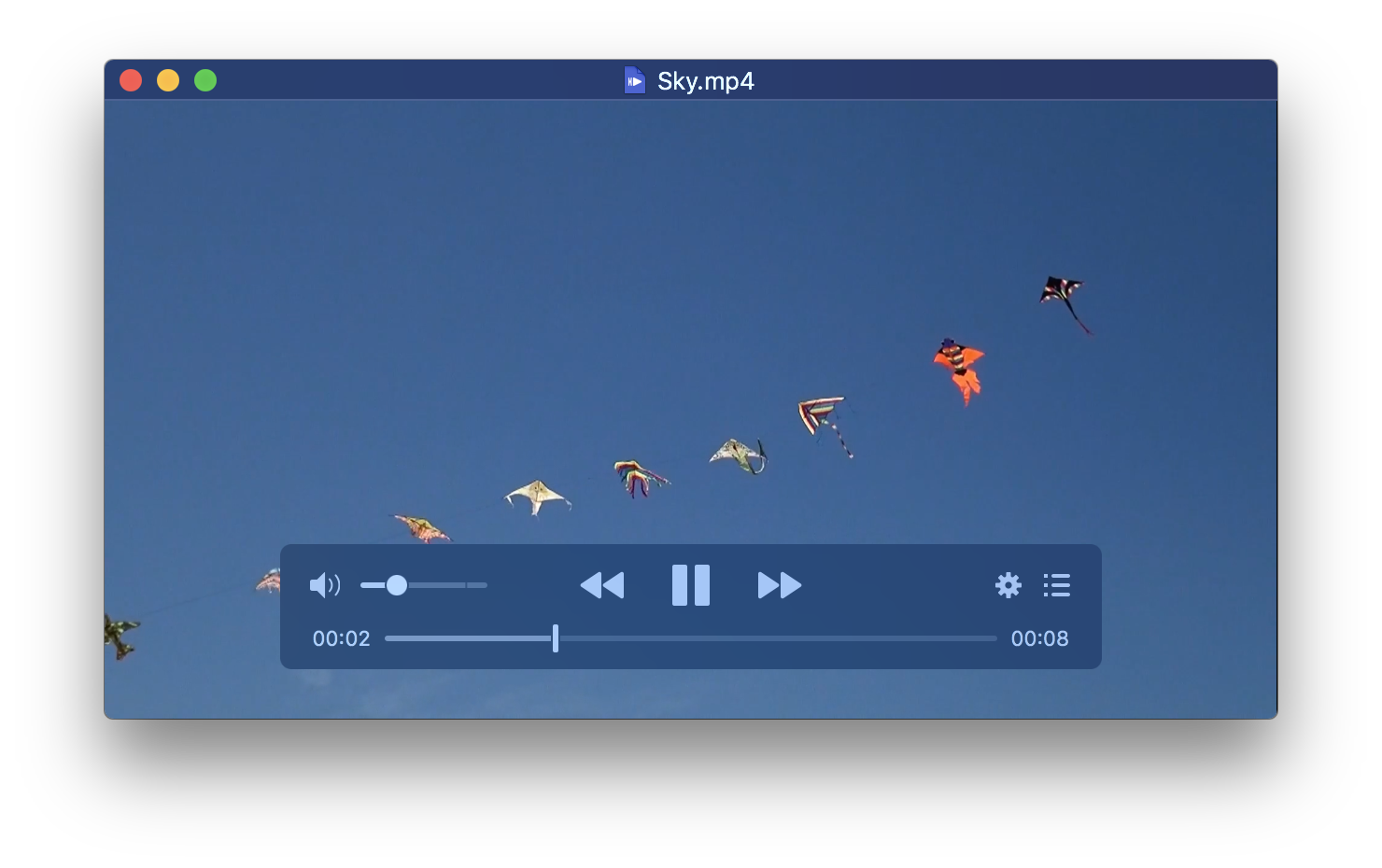
A full-featured open-source video player. It handles picture-in-picture, loads subtitles from the web, supports touch gestures, streams from network sources, and has broad codec support, so you are less likely to hit a file it refuses to open.
Itsycal
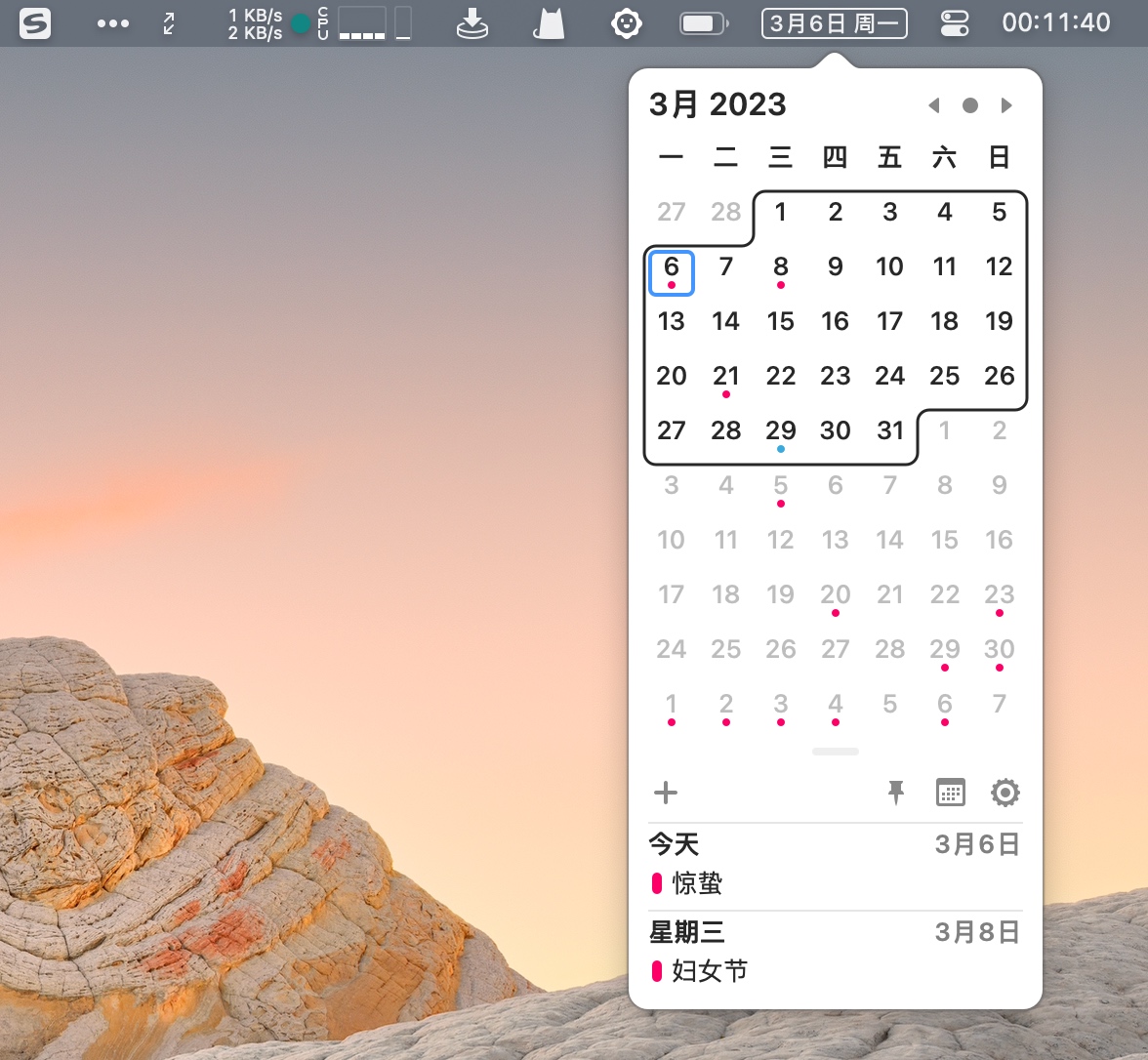
A compact calendar that lives in the menu bar. It offers a dark mode, several menu bar styles, and syncs events with Apple Calendar. Useful if you want a quick look at your schedule without opening Calendar.
AppCleaner
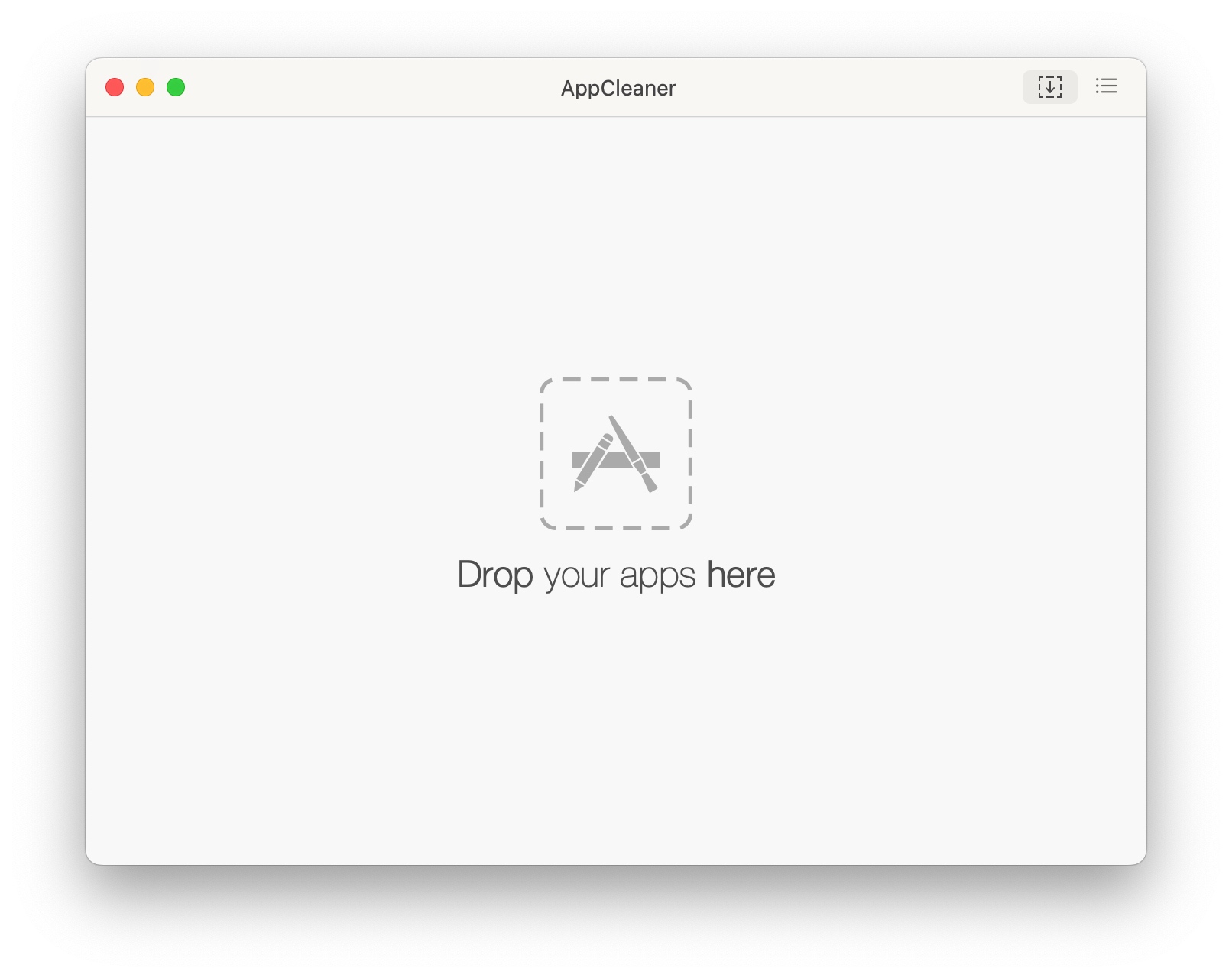
A clean uninstaller for macOS. Drag an app onto it or pick from the app list, and it looks for leftover files so removing software does not leave scattered support files behind.
Tencent Lemon Cleanup

A system cleanup tool from Tencent, and notably a completely free, ad-free one. It covers deep scan cleanup as a CleanMyMac alternative, disk visualization, a menu bar window in the spirit of iStat Menus, large-file cleanup, uninstall cleanup, duplicate-file cleanup, and other maintenance tasks. It is aimed at guarding the storage space that Macs often treat as precious.
ImageOptim
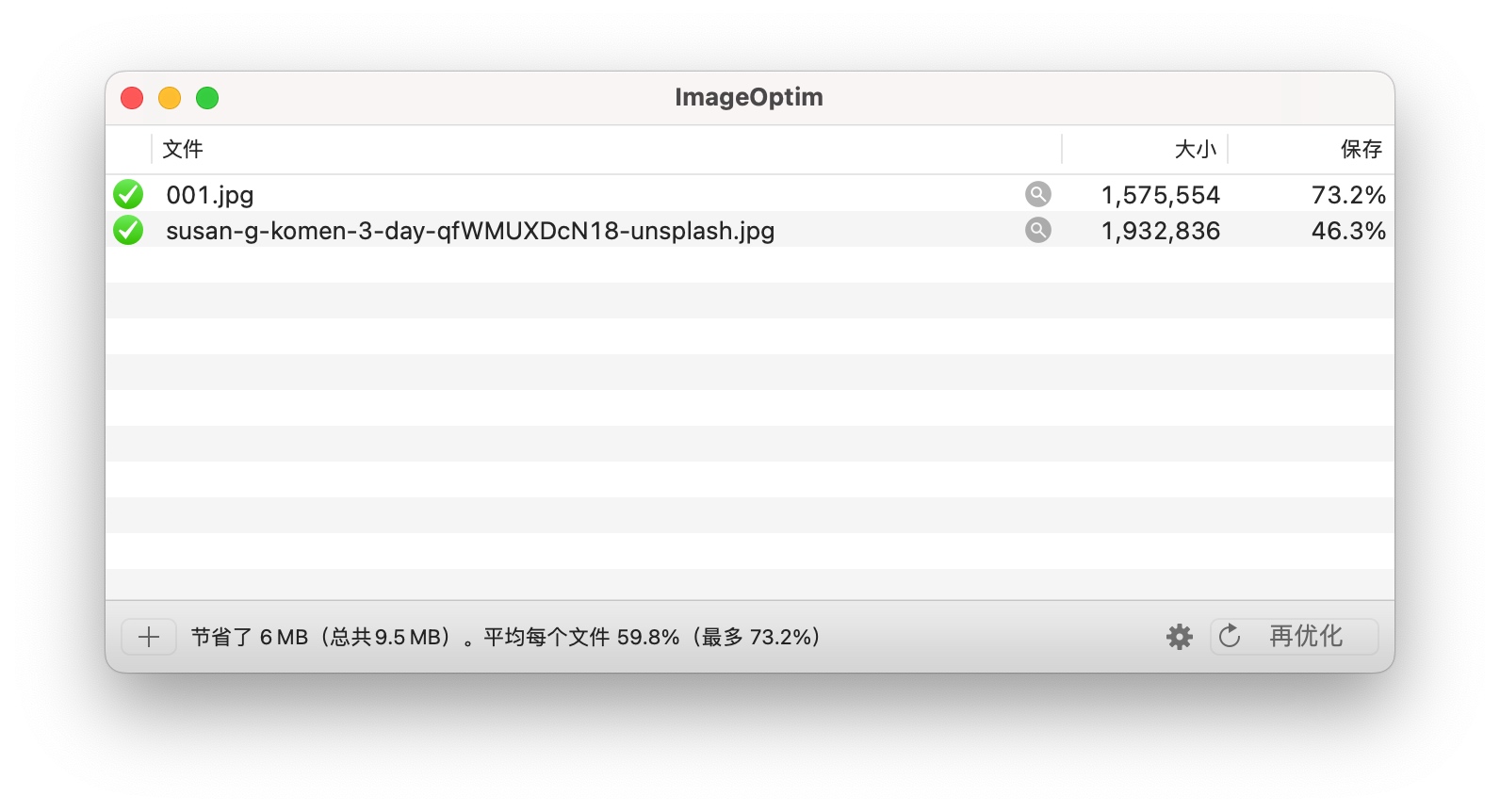
A local image compressor that is quick to use. You can call it from the right-click menu or drag files in for batch compression, and it usually finishes in a second or two. It also strips EXIF data, which helps protect privacy before images are shared.
HandBrake
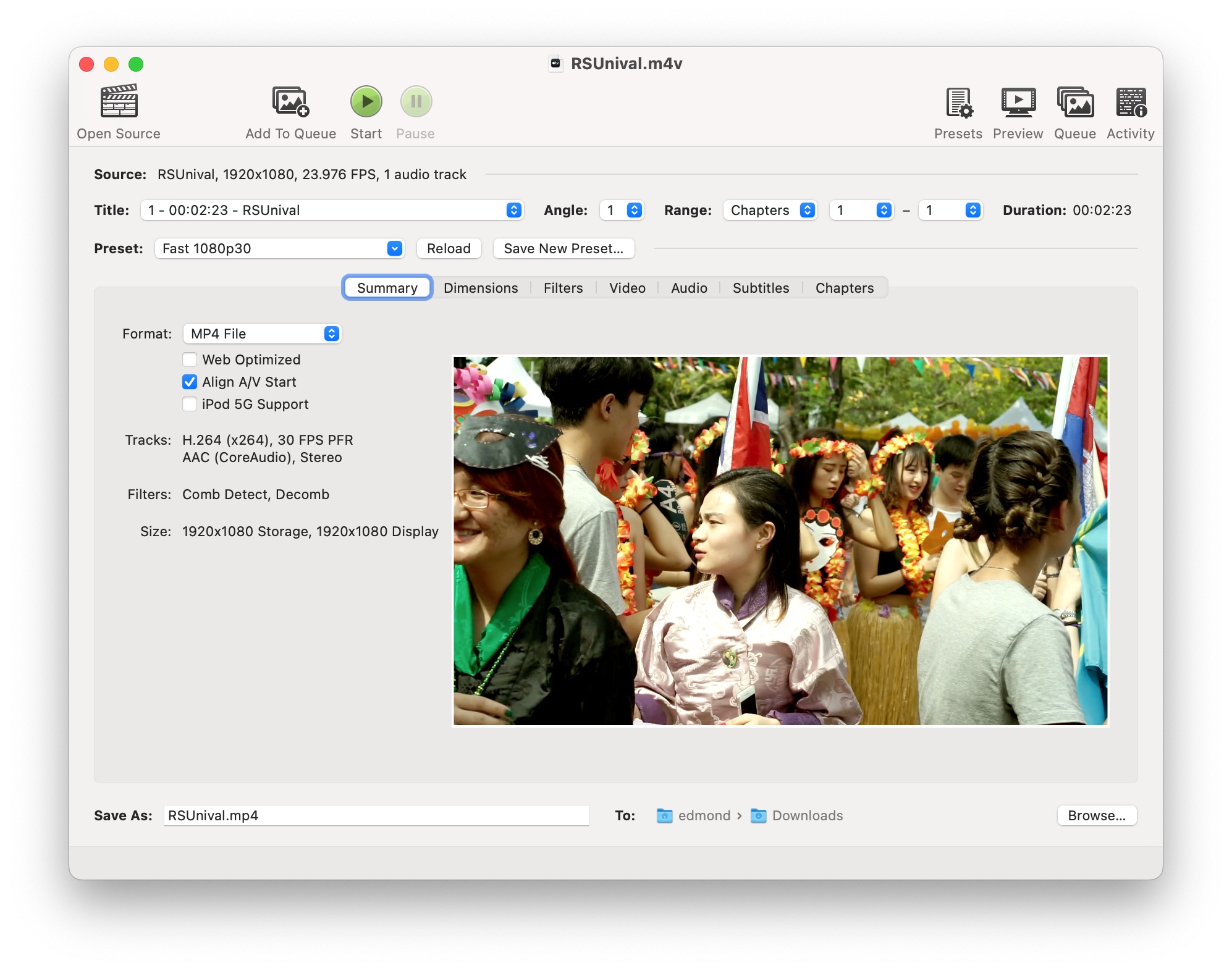
A video compressor and format converter with professional-level options. It supports conversion between many audio and video formats and can take a 1GB video down to a few dozen megabytes while preserving as much quality as possible.
RealVNC
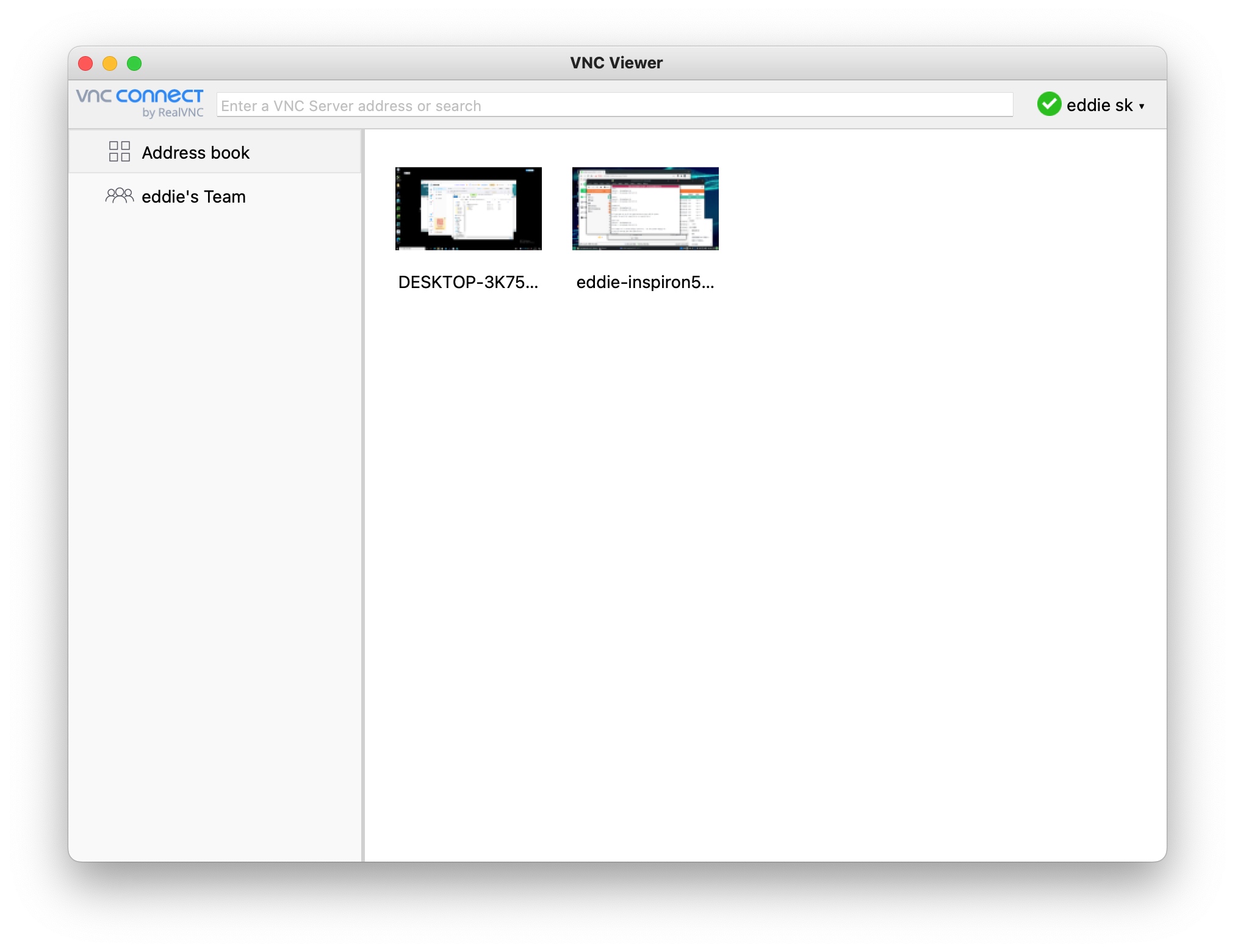
A remote-control tool with multi-platform support. Macs, Windows PCs, Linux machines, and Android devices can be controlled or used as controllers; iOS devices can share screens or act as controls. A non-commercial license makes the full feature set free for personal use.
NetNewsWire
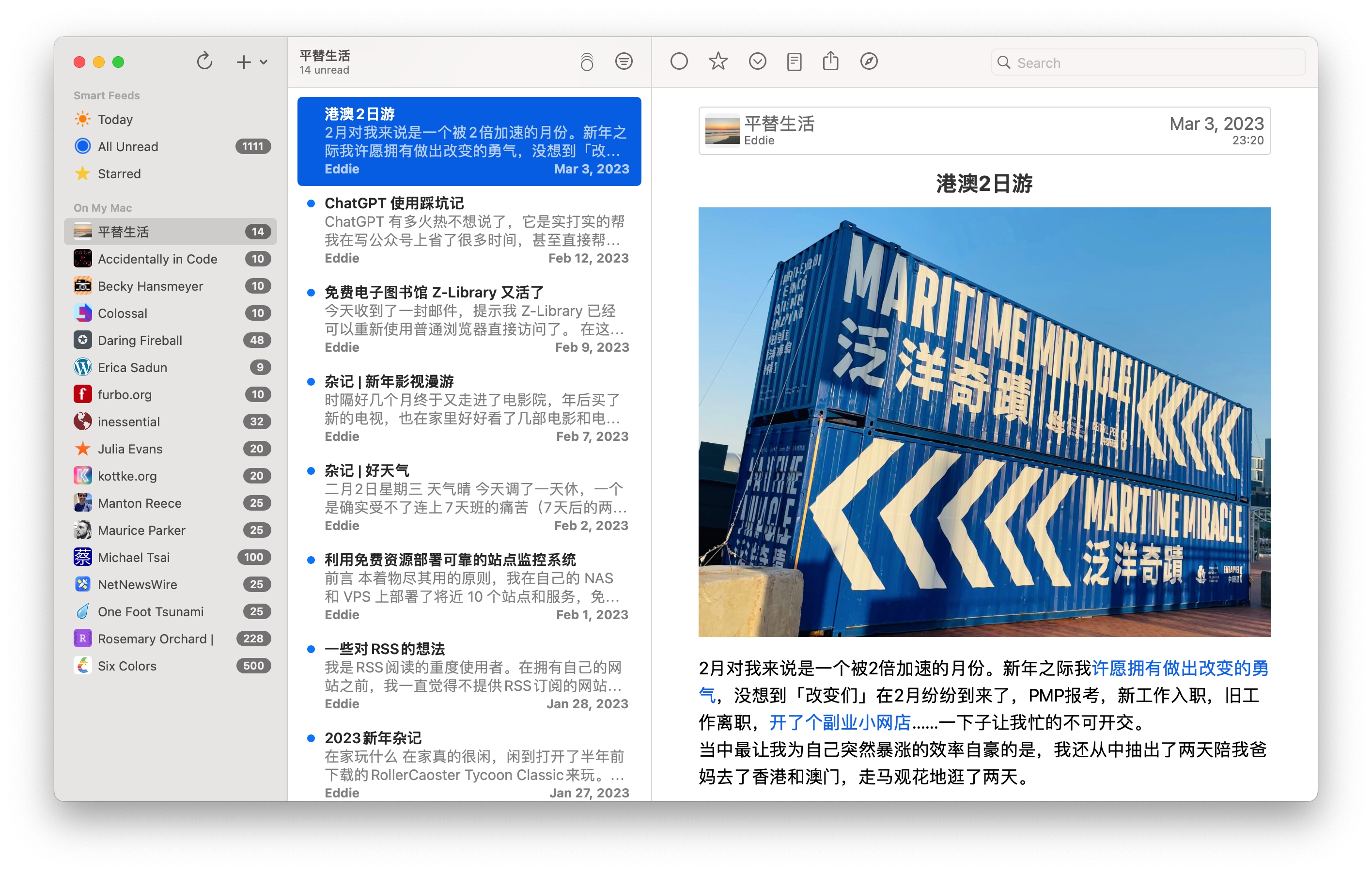
An RSS reader that syncs reading state across Mac, iPhone, and iPad. It connects to cloud RSS services such as Feedbin, Feedly, and FreshRSS, and includes full-text search, a reader mode, and a choice of themes.
Color Picker
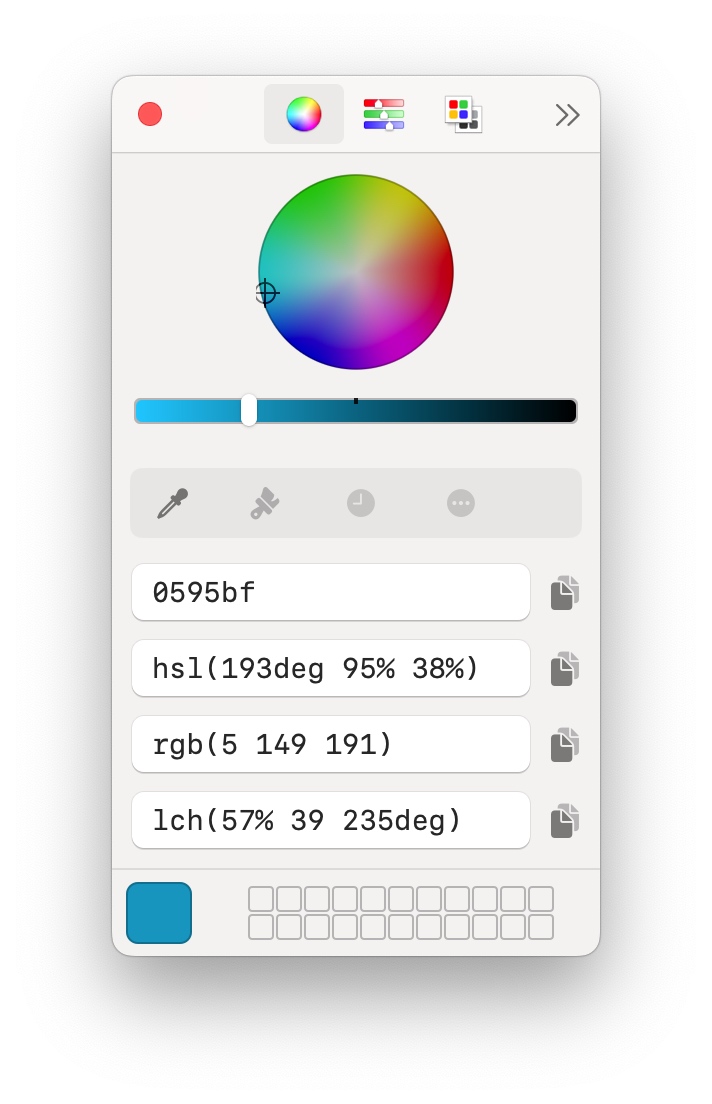
A quick way to sample colors from the screen and convert between formats including Hex, HSL, RGB, and LCH. Available from the App Store.
Maccy
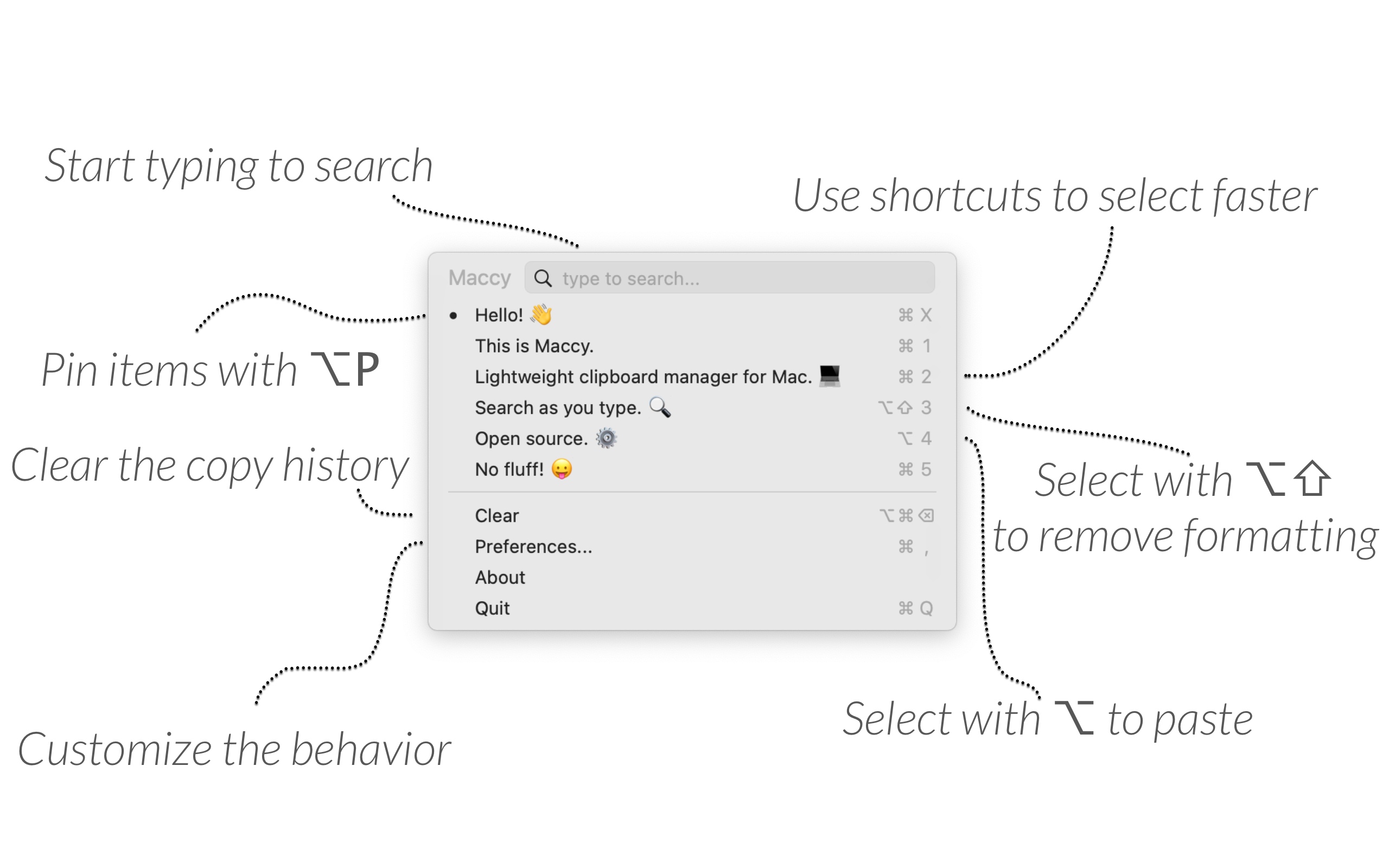
A clipboard manager with a clean macOS interface that fits into the system rather than fighting it. It is light and fast, and it can be operated entirely from the keyboard, so you do not need to reach for the mouse.
CheatSheet
A small utility for when keyboard shortcuts refuse to stick: hold down ⌘ and CheatSheet shows the available shortcuts for the current app.
Unarchiver
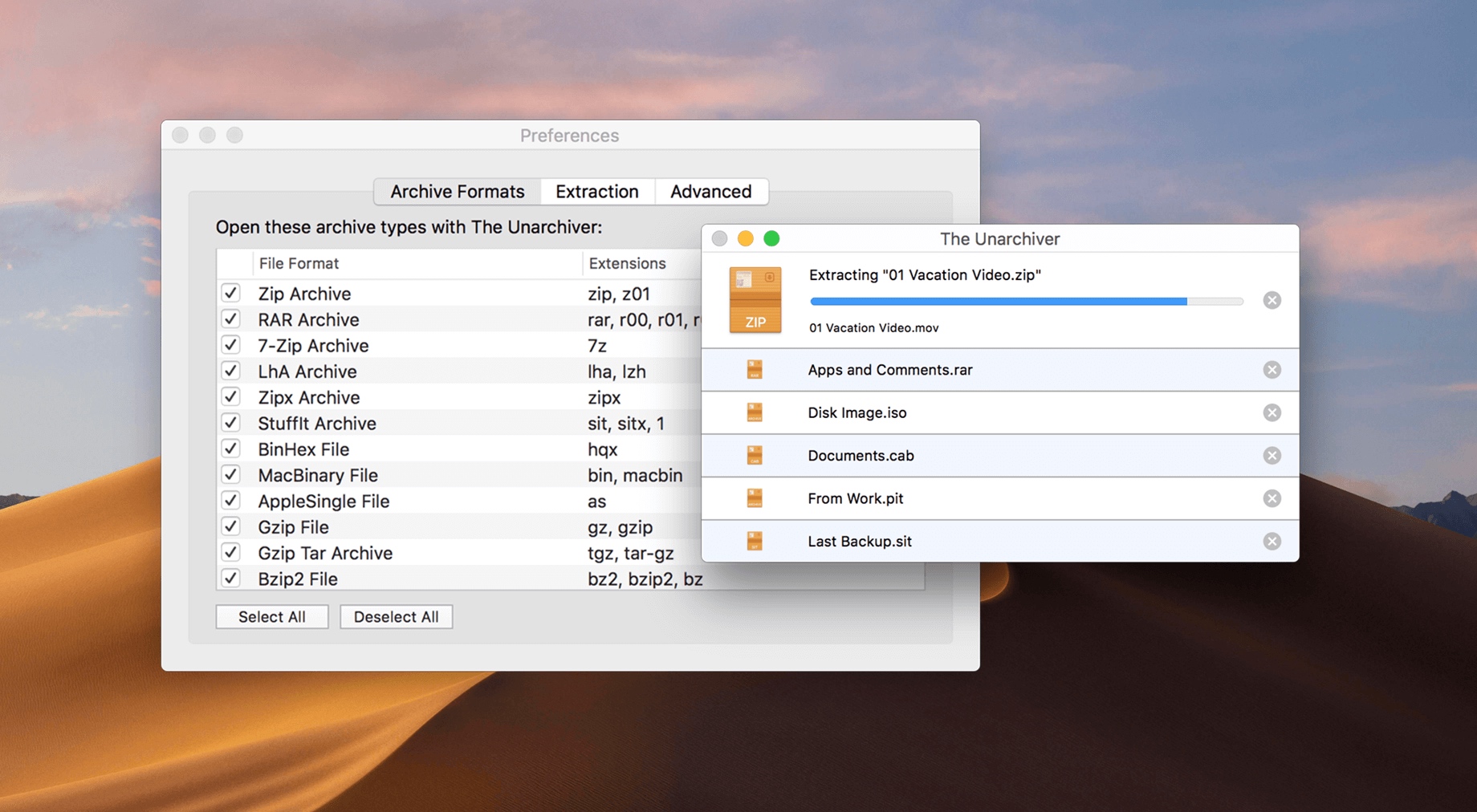
An archive tool with broad format support and multilingual encoding support, which helps with compressed files that other utilities may struggle to open.
Dozer

A menu bar manager for hiding icons and bringing them back quickly. It works as a free alternative to Bartender for people who want a tidier top edge.
Mounty
A utility for mounting NTFS drives on a Mac with read and write access. It supports drives from all brands. Seagate and WD owners can also look for the free Paragon NTFS editions made specifically for those drives.
The one gap: mind mapping
A fully free mind-mapping app that gets both looks and features right is still hard to find. If you are willing to pay, XMind is the cross-platform choice, while MindNode makes more sense if all your devices are Apple products. A free option that truly covers both design and function would be a welcome addition to this list.