A signature does much more than fill the blank at the bottom of a document. It signals identity, professionalism, and personal style. As more work and communication happen online, having a polished digital signature has become increasingly important. But for people without design skills, creating one that feels distinctive and well-balanced is not always easy.
That is where AI signature generators come in. These tools use artificial intelligence to turn a name, typed text, or a rough handwritten input into a signature that feels more intentional and personalized. Some lean toward sleek business-friendly designs, while others are better for expressive, artistic styles. If you are looking for a signature that strengthens your digital presence, these are some of the most notable options available in 2025.
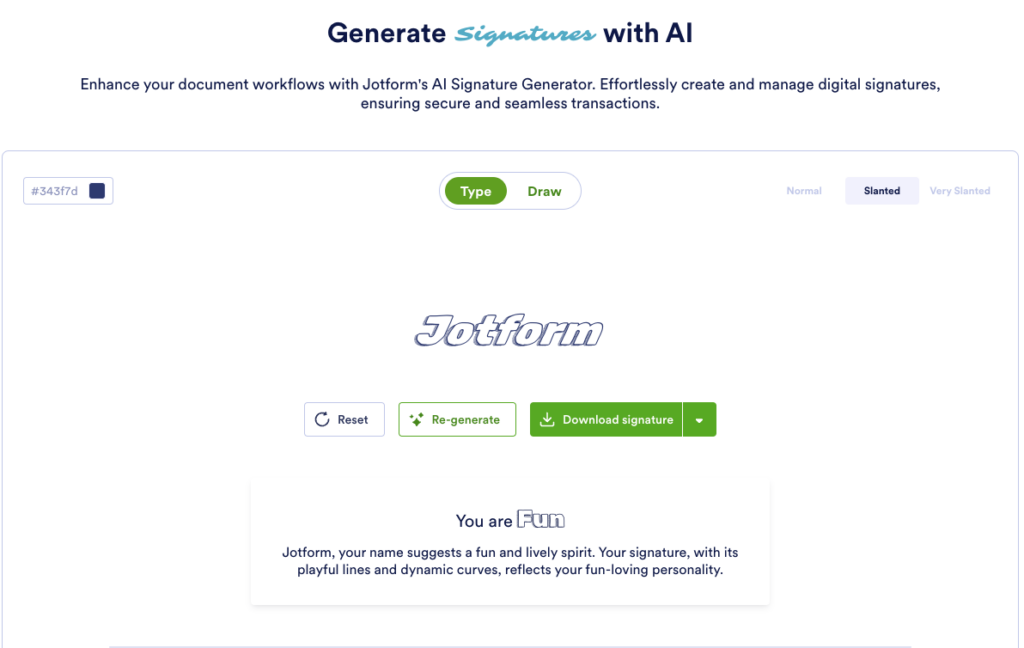
Jotform
Jotform’s AI Signature Generator is built to make the process quick and straightforward. You can either type your name or draw a signature by hand, then generate and download the result in a single step. The tool offers multiple signature styles, making it easier to pick one that fits your personality.
Its AI evaluates your name and uses that as the basis for producing a style with a certain character. If the first result does not feel right, you can regenerate it at any time. There are also options to adjust color and line thickness, which helps create a cleaner corporate look or something with a bit more flair.
ChatGPT
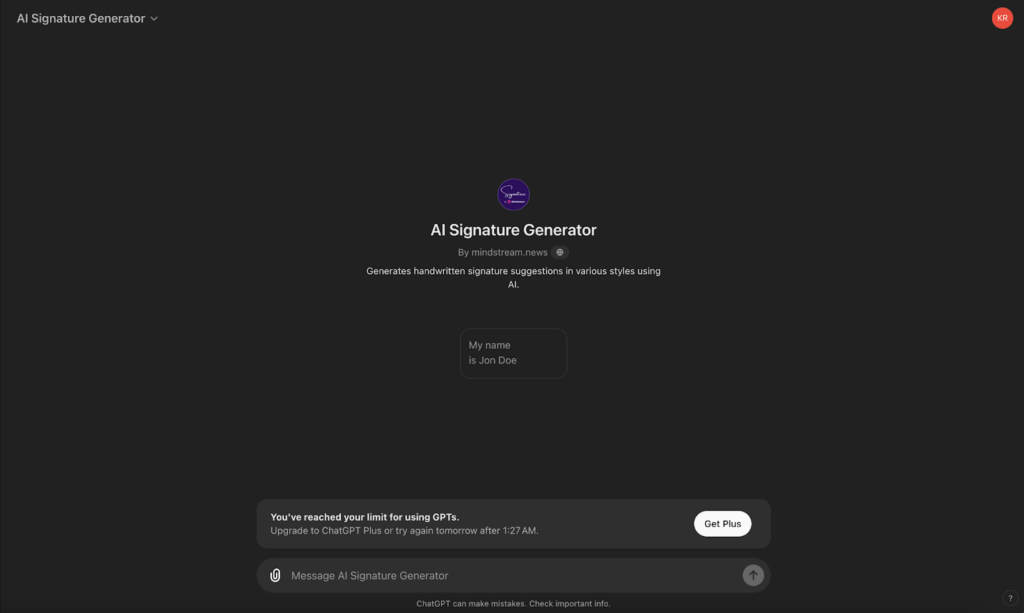
GPT-4 users can also create digital signatures through GPT-based tools such as the “Signature Generator” from codesuppliers.com or the “AI Signature Generator” from mindstream.news. These versions combine tailored instructions with broader AI capabilities, giving users a fairly versatile way to experiment with signature design.
ChatGPT is especially effective at interpreting and reproducing different handwriting and calligraphy styles. Because it has learned from a large range of handwritten signatures, it can mimic the subtle qualities that make each style feel distinct. That makes it possible to generate a digital signature that looks believable while still matching personal taste.
Features:
- Multi-dimensional AI capabilities
- Accessibility
- Cross-platform support
BunnyDoc
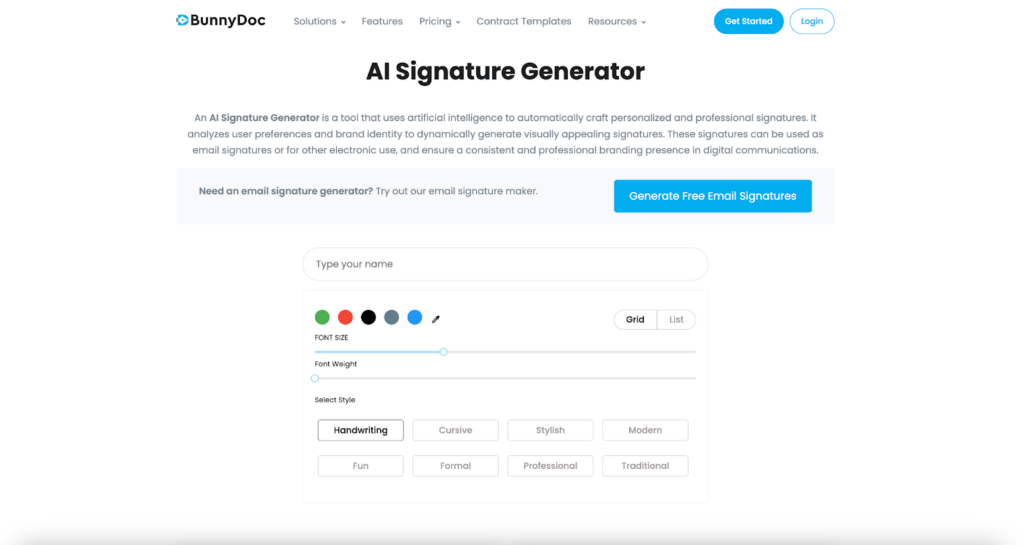
BunnyDoc is a practical AI-powered tool designed for fast digital signature creation. It includes 8 different styles, covering both formal and more casual needs, though it does not support handwritten signature input. Users can still customize the result by adjusting font size, stroke weight, and color to make the signature stand out more clearly.
Signatures can be downloaded as high-quality PNG files, which helps them look sharp and professional in actual use. The font choices themselves are fixed, but the styles provided are polished enough to suit most preferences, especially for people who do not want to draw a signature manually.
A major advantage here is privacy. BunnyDoc states that generated signatures are not stored or shared, which can make the tool more reassuring to use when handling something as personal as a signature.
Features:
- Color selection
- Signature options from mobile devices
- Security and authentication procedures
Microsoft Copilot
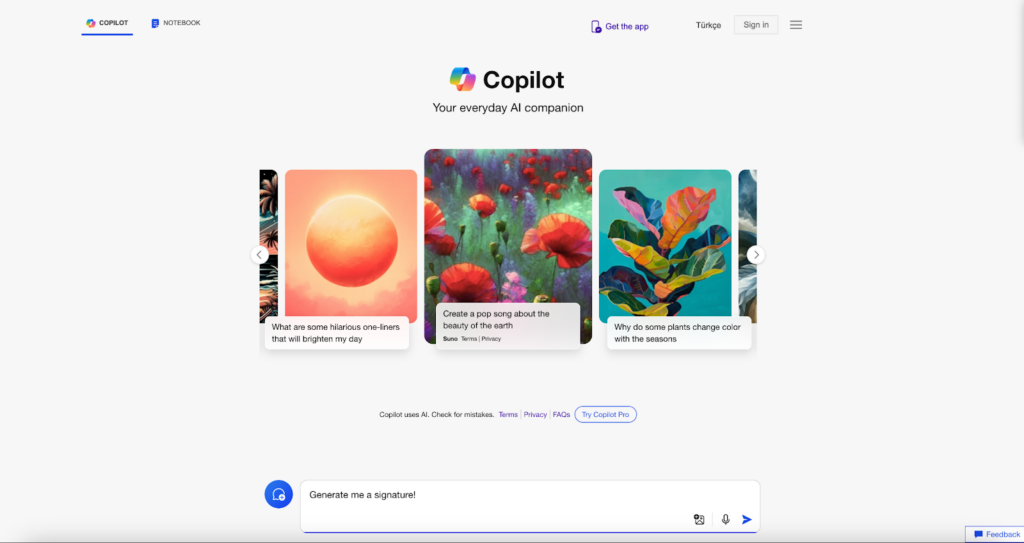
Microsoft Copilot offers another free route for generating signatures, powered by DALL-E 3. Its approach is more artistic than traditional: it creates signature designs by blending visual styles learned from a wide range of internet images. The result can feel handcrafted and original rather than like a standard font treatment.
The tradeoff is that Copilot depends heavily on prompting. To get a signature that actually matches your taste, you need to give clear and fairly detailed instructions. As with ChatGPT Plus, good results usually come with some trial and patience. That can make the process less practical if you want something instant, but it also means you can steer the output toward a style that feels much more personal.
Features:
- Powered by DALL-E 3
- Customizable visual style
- Prompt-dependent output
PDFgear
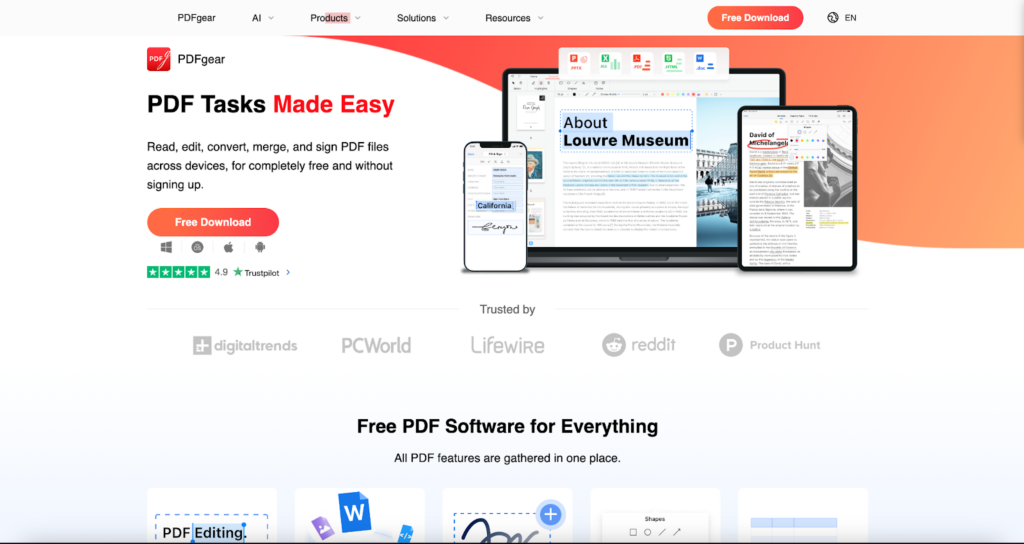
PDFgear is a full-featured PDF editor powered by GPT-3.5, and it is available for free without registration. It works across both desktop and mobile devices, which makes it a flexible option for creating and managing digital signatures wherever you need them.
You can upload an existing signature image, generate a new one by typing text, or draw one by hand. With more than 100 font styles available, there is plenty of room to tailor the signature to your own preferences.
One of PDFgear’s strongest points is security. It allows you to flatten a signature into the document, making it uneditable and impossible to extract separately. In practice, this means the signature becomes a permanent part of the PDF page, much like an image or embedded text. That adds an extra layer of protection, since the signature cannot be easily moved, altered, or deleted without changing the document itself.
Features:
- Free to use without registration
- Wide font selection
- PDF editing support
AI is reshaping the way people present themselves online, and signatures are part of that shift. Today’s AI-powered signature tools do more than generate a stylized name: they also offer customization, convenience, and in some cases stronger document security.
Among the standout options, ChatGPT is particularly strong for realistic calligraphy-like results when given detailed prompts. BunnyDoc focuses on ease of use, visual customization, and privacy. Microsoft Copilot stands out for more artistic signature generation, though it generally requires more deliberate prompting. PDFgear goes beyond signature creation by combining flexible input methods with PDF editing and security features, which makes it especially useful for users who work across devices and need signatures integrated directly into documents.