Finder, the file manager built into macOS, can feel clumsy: it leans heavily on the mouse, switching between folders is slow, and there is no one-key way to jump straight to a location. A Total Commander-style tool was the goal. Double Commander and QSpace were both tried, but neither quite fit. Marta came up as a recommendation from @PlatyHsu, and several things about it stand out:
- It is free.
- It looks polished and supports configurable themes.
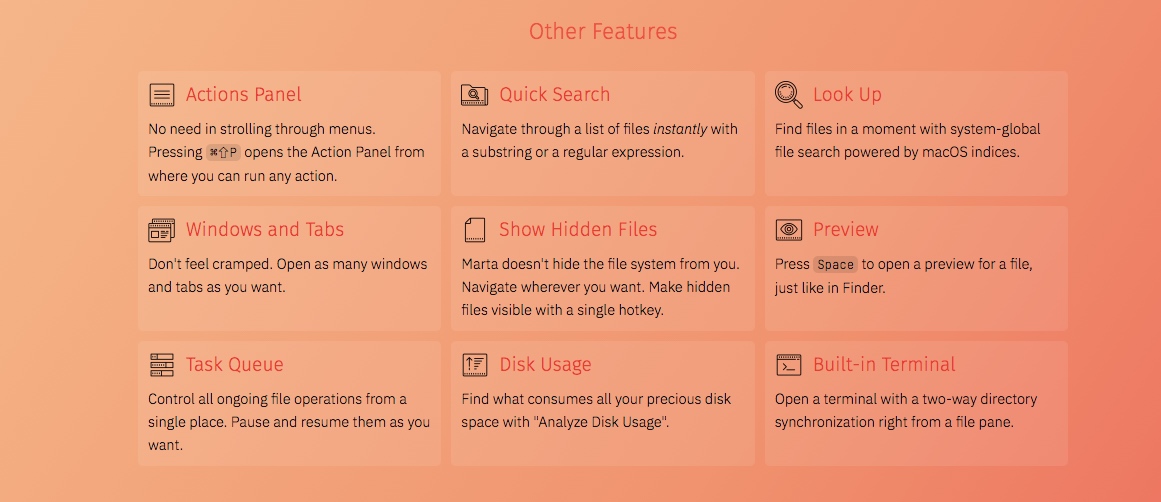
- It offers keyboard shortcuts for fast path access, quick search, and similar actions, and those shortcuts can be customized, so the mouse is less central.
Installation
There are two ways to install it. Download it from the Marta website, or use Homebrew:
brew cask install marta
The standout features
Quick access to favorite paths
Marta has a favorites feature that stores frequently used folder paths and opens them directly with the keyboard. This is the most valuable part for speed. Press Alt+2, then a number key, and Marta jumps to the folder assigned to that number.
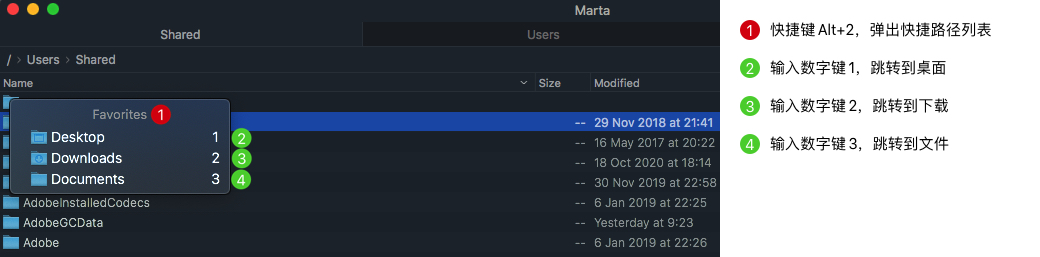
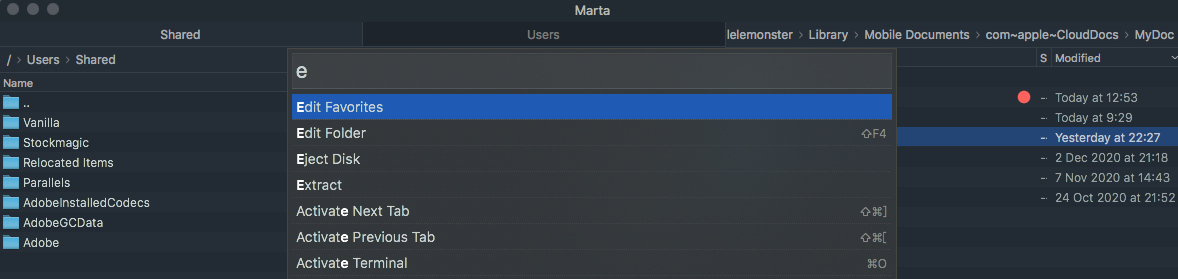
Folders can be added to the list with Add To Favorites. To remove one, press Shift+Command+P and choose Edit Favorites. The editor works much like Sublime's configuration mode.
Show or hide hidden files with one shortcut
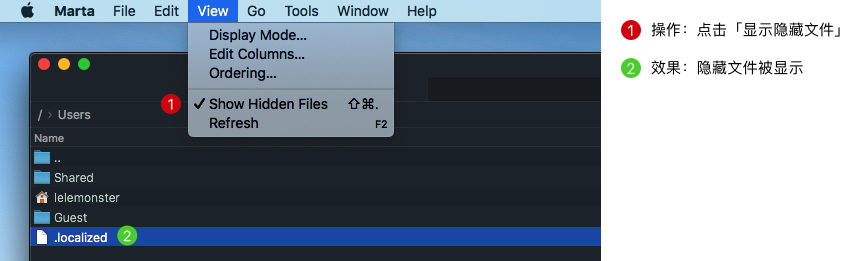
On macOS, showing or hiding hidden files normally requires the command line. Marta makes it a single action.
Click a path to jump
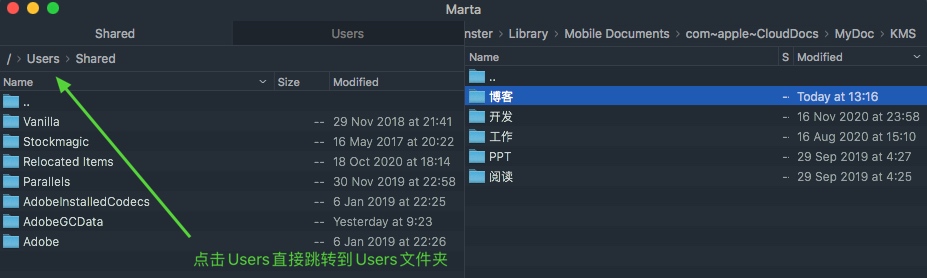
Clicking a path segment to jump to it feels natural. Finder can do something similar, but it takes a double-click.
Filter the current directory
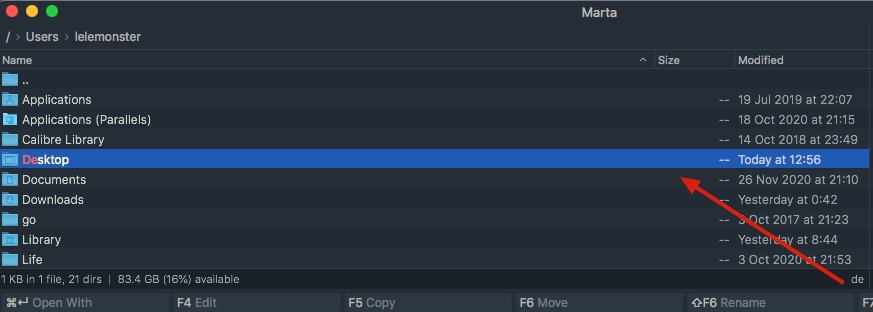
Type letters or numbers to filter the files and folders in the current directory. Enter opens the selected file or enters the selected folder, Backspace goes back to the parent folder, and Alt+T opens a new tab in the same location. Total Commander has a similar feature; with the QuickSearch eXtended plugin, it can also filter Chinese file names by pinyin initials, which is even more convenient.
Search and other details
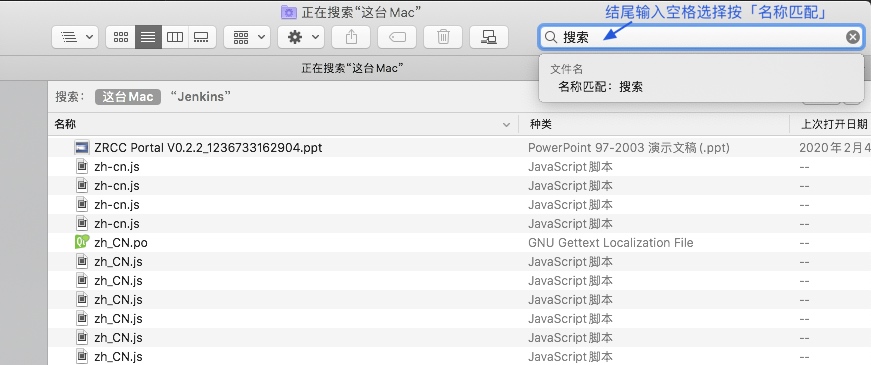
Marta's search is based on Spotlight, but it is not as capable as Spotlight itself. Results for Chinese content can be limited, so Spotlight or Finder search is a better choice. One Finder detail worth remembering: by default, Finder searches both file names and contents. To match names only, type a trailing space in the search field and choose name matching. That quirk can save some confusion.
Other options and shortcuts, such as opening Marta in Terminal, advanced search, and customizing shortcuts, are covered in the official documentation.