A friend in a chat group had been playing with Synology, and I decided to put together a black Synology box of my own. Rummaging through the junk pile at home turned up an old 945G machine. It had been my web server before and had always been stable, so it became the server. The hardware is old enough that only the 5.2 bootloader would start. The 6.x legacy bootloader could boot, but there was no driver for the network card, so DSM 5.2 was the only option for now. I’ll try another NIC later and see whether that changes things.
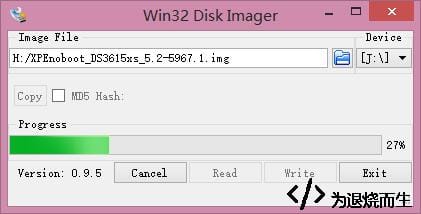
I started by downloading the bootloader. Then I used Win32DiskImager to write it to a USB drive. Don’t worry if the drive’s reported capacity shrinks: the space is still there, just not partitioned. It can be restored later if you stop using the drive for this.
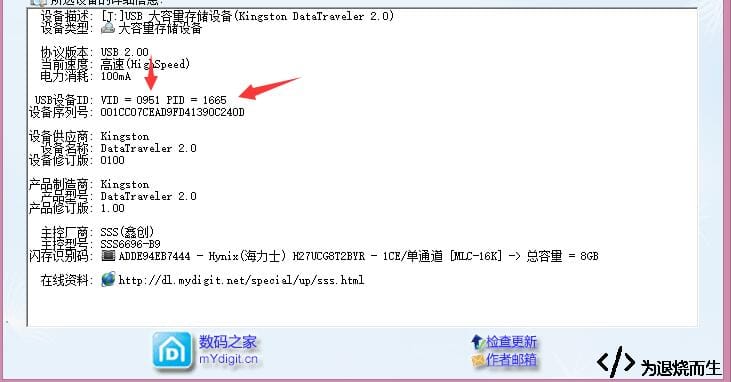
Next, open ChipGenius and get the USB drive’s VID and PID.
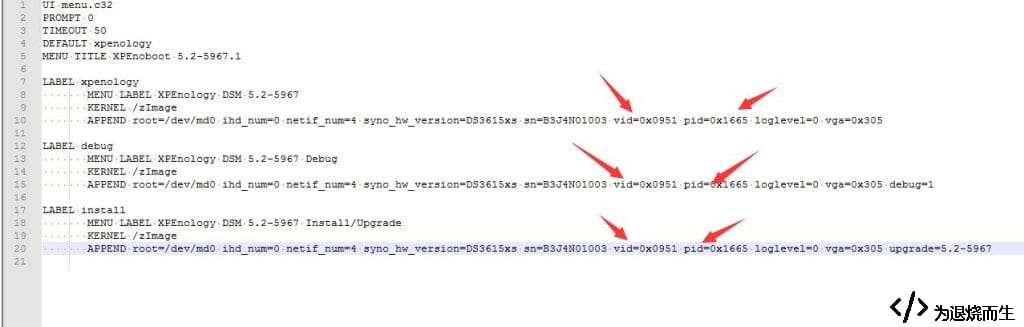
Open syslinux.cfg in the root of the USB drive and replace the Pid and Vid values with the ones you just found.
Save the file, plug the drive into the black Synology machine, and power it on. If you want to be extra sure, connect a monitor to check the boot status.
After that, open the DHCP lease table on your router and find the IP address assigned to the machine. If it isn’t there, the boot probably failed; go back through the steps and try again.
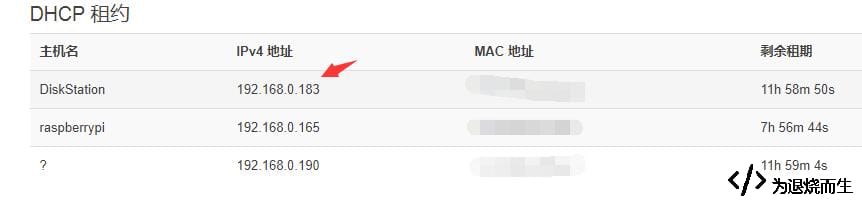
Open that IP in a browser and you’ll reach the setup screen.
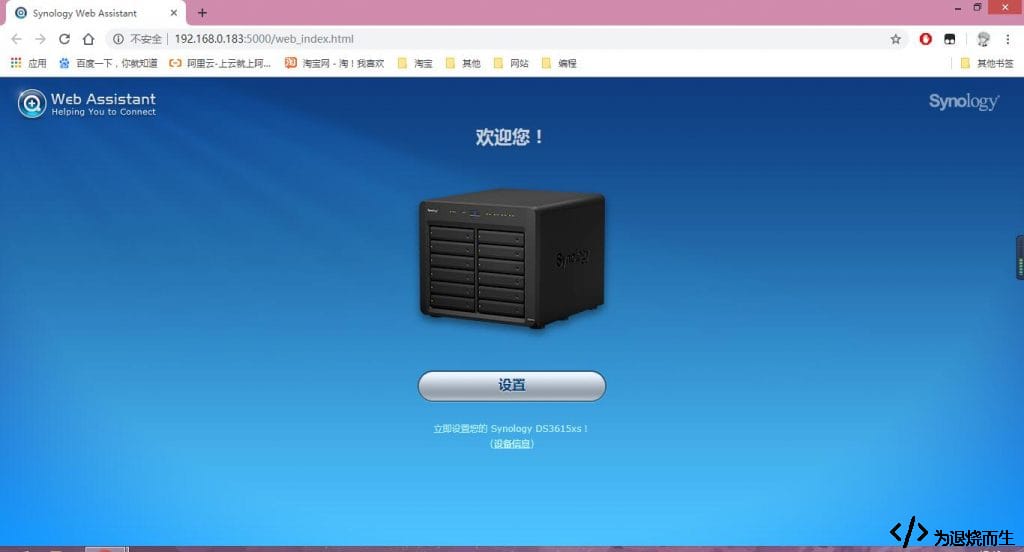
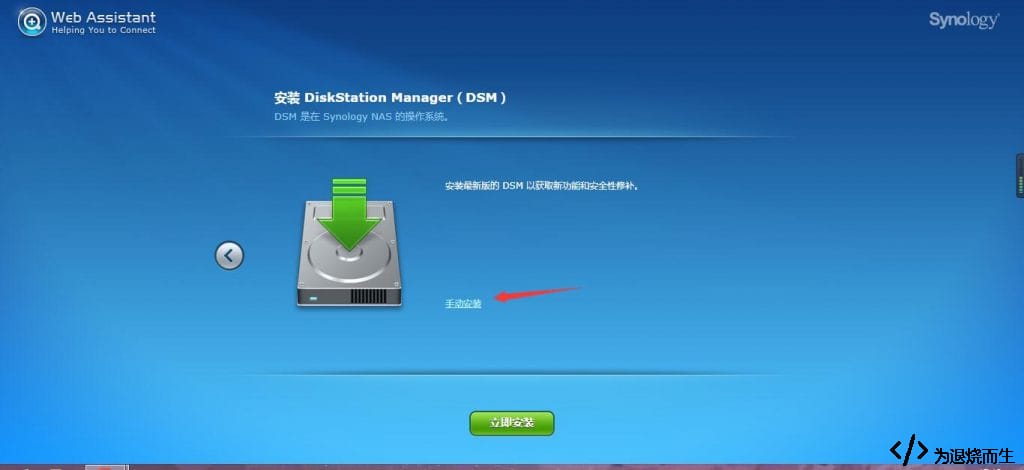
Choose manual installation when setting it up; you’ll need the matching PAT file for the version.
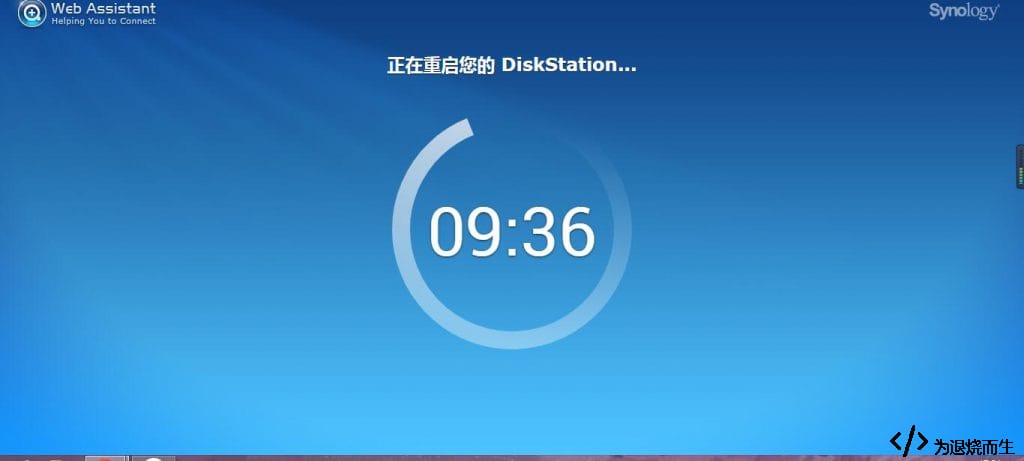
Then wait for the reboot to finish and for the setup page to come back.
The rest of the setup is pretty much point-and-click, so I won’t go through every screen. One thing to skip is QuickConnect: unless the box is 'whitewashed' to look like a genuine Synology, it won’t work. I’d suggest not doing that, so you don’t take up resources meant for licensed users.
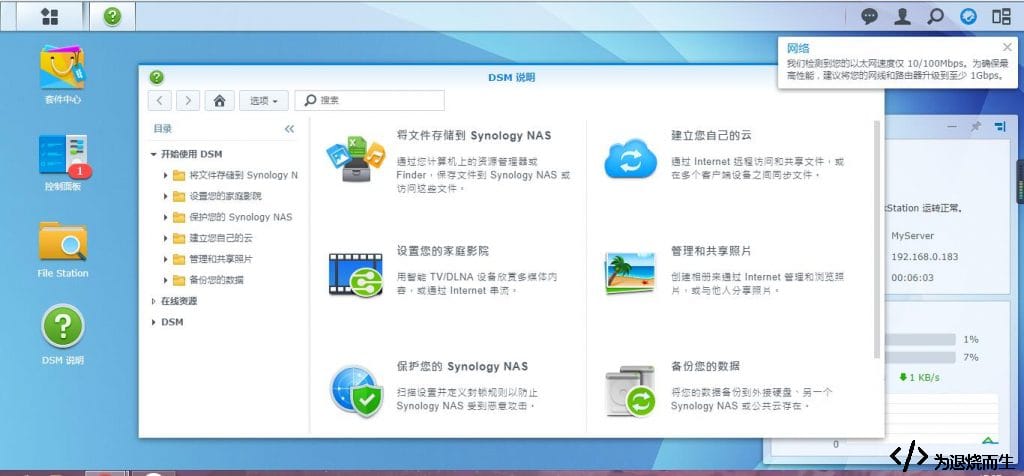
Before long it was in. Hope you enjoy your black Synology too. Maybe later I’ll see if a different network card gets the newer bootloader working.