With course design for Pumps and Pumping Stations, Drainage Engineering, Water Supply Engineering, and Concrete Structures coming up next week, AutoCAD becomes one of those tools you simply have to have. For science and engineering students, its importance is hard to overstate. Many classmates spend their time searching Baidu for crack instructions, even though the results are uncertain and the files can carry malware.
What a lot of students miss is that AutoCAD has an education version. Autodesk offers free software to students, teachers, and schools worldwide. The list includes AutoCAD, Sketchbook, 3D Max, Maya, and others. Earlier, Autodesk joined ConnectED, an education initiative led by Obama, and opened free software access to US schools. After the program expanded globally, the company expected more than 680 million students and teachers, plus 800,000 secondary and higher-education institutions, to be able to use the software for free.
It is a long-term strategy, not just charity. In an era when boxed software is fading, letting students learn the tools at no cost builds familiarity early. Those students later become professionals, and that is where Autodesk makes its money. Adobe offers a contrast: in China, where free software habits are deeply rooted and prices are high, localization efforts struggled, and the R&D operation had to shut down.
The process has three parts: create an Autodesk account, bind it to an education profile, and download and install AutoCAD—or another Autodesk program. Here is how it works.
- Open the AutoCAD registration flow and fill in the fields as prompted.
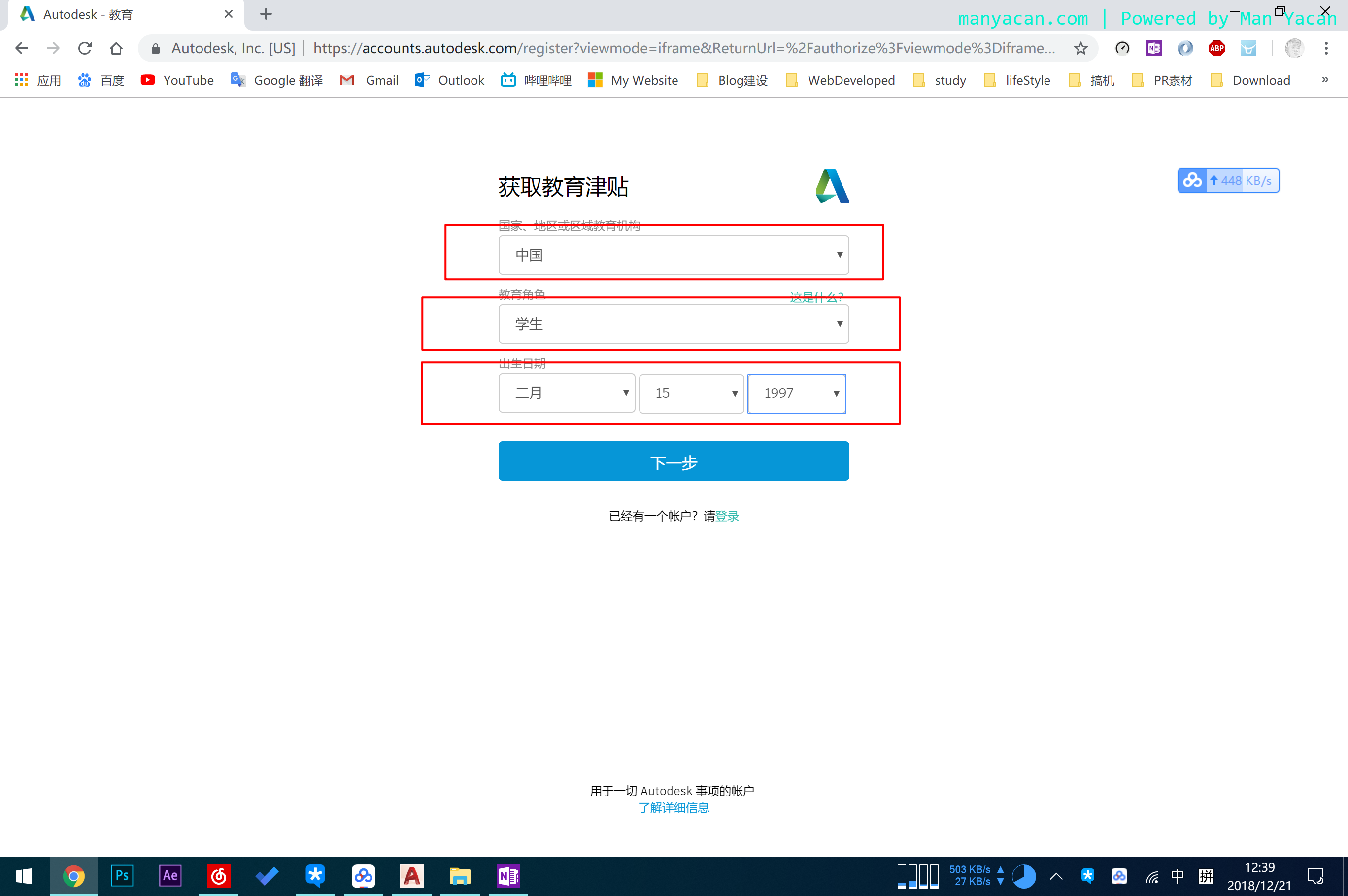
- Fill in your details as you would for any account.
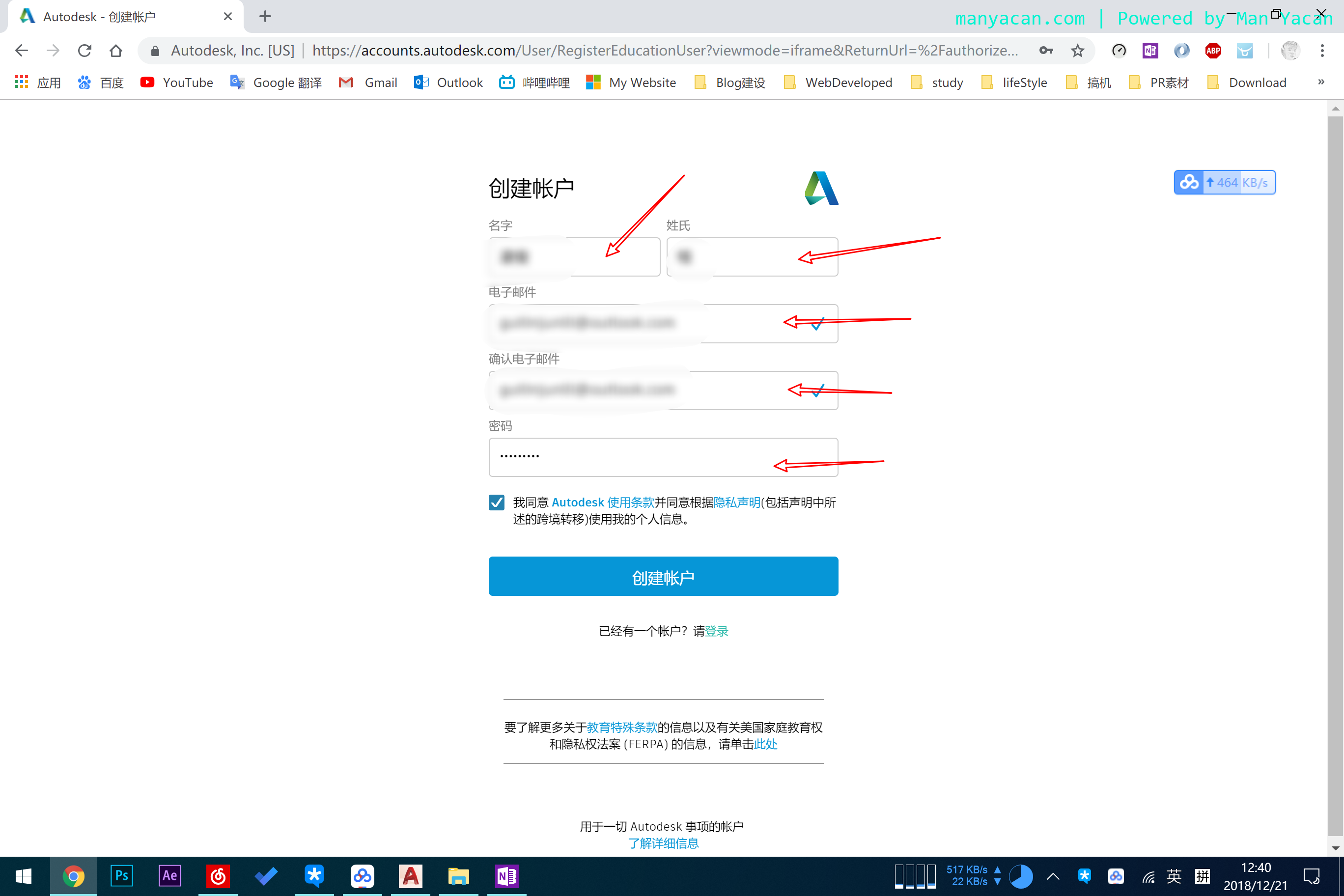
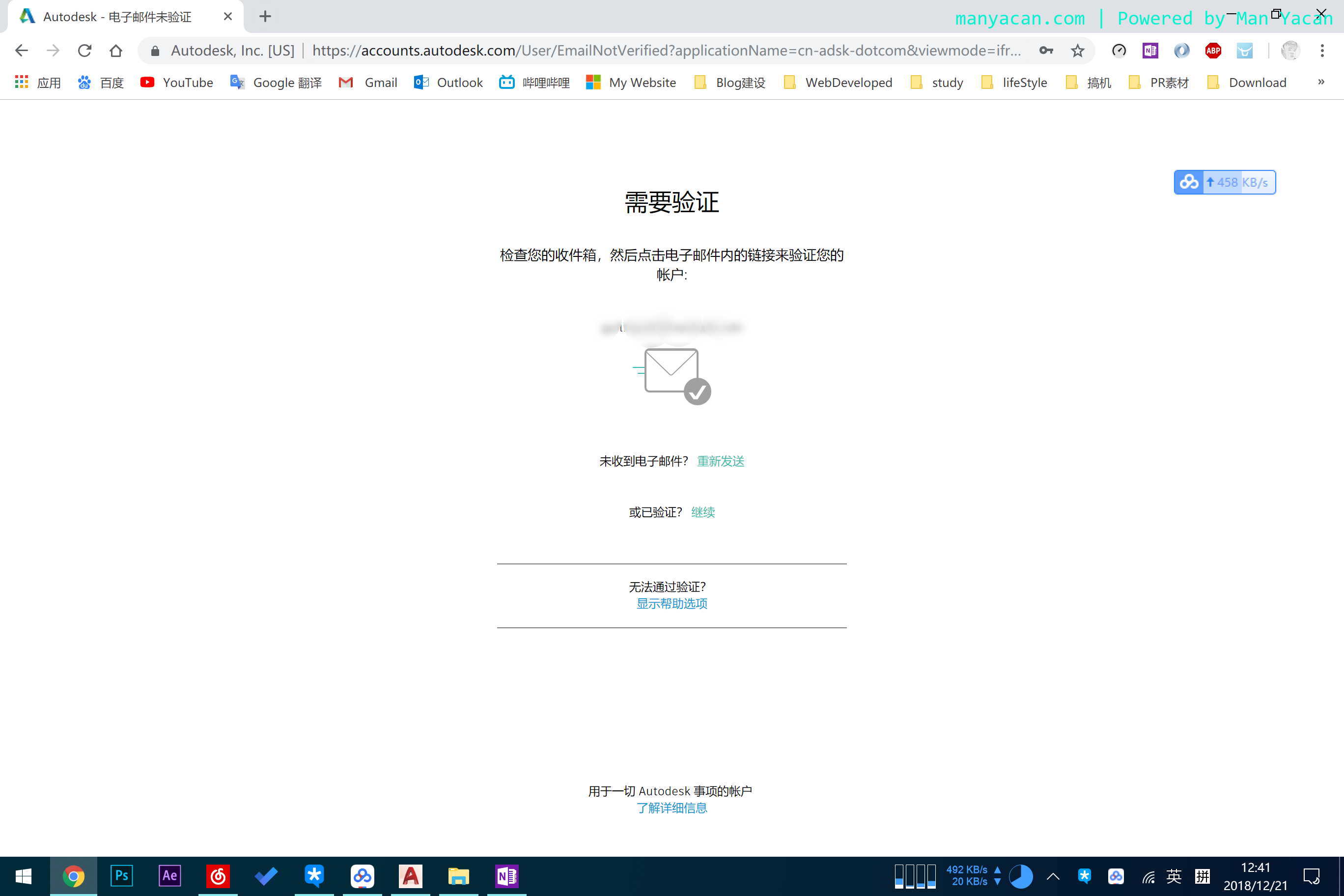
- After submitting, you will get an email with a very long verification link.
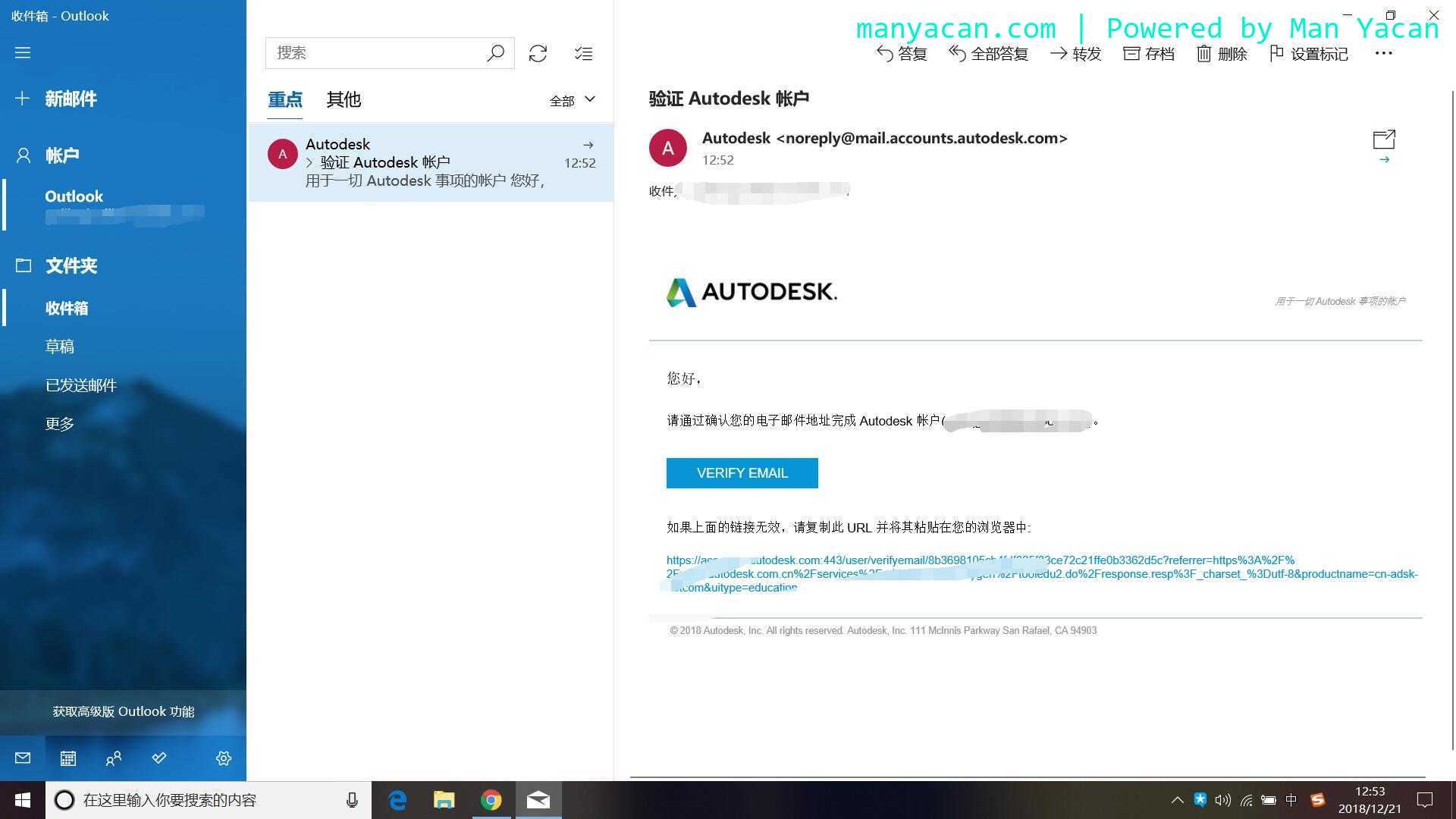
- Clicking the link sends you back to the browser. At this point the account exists, but do not stop here: you still need to verify your education status. Only after verification can you use the education license.
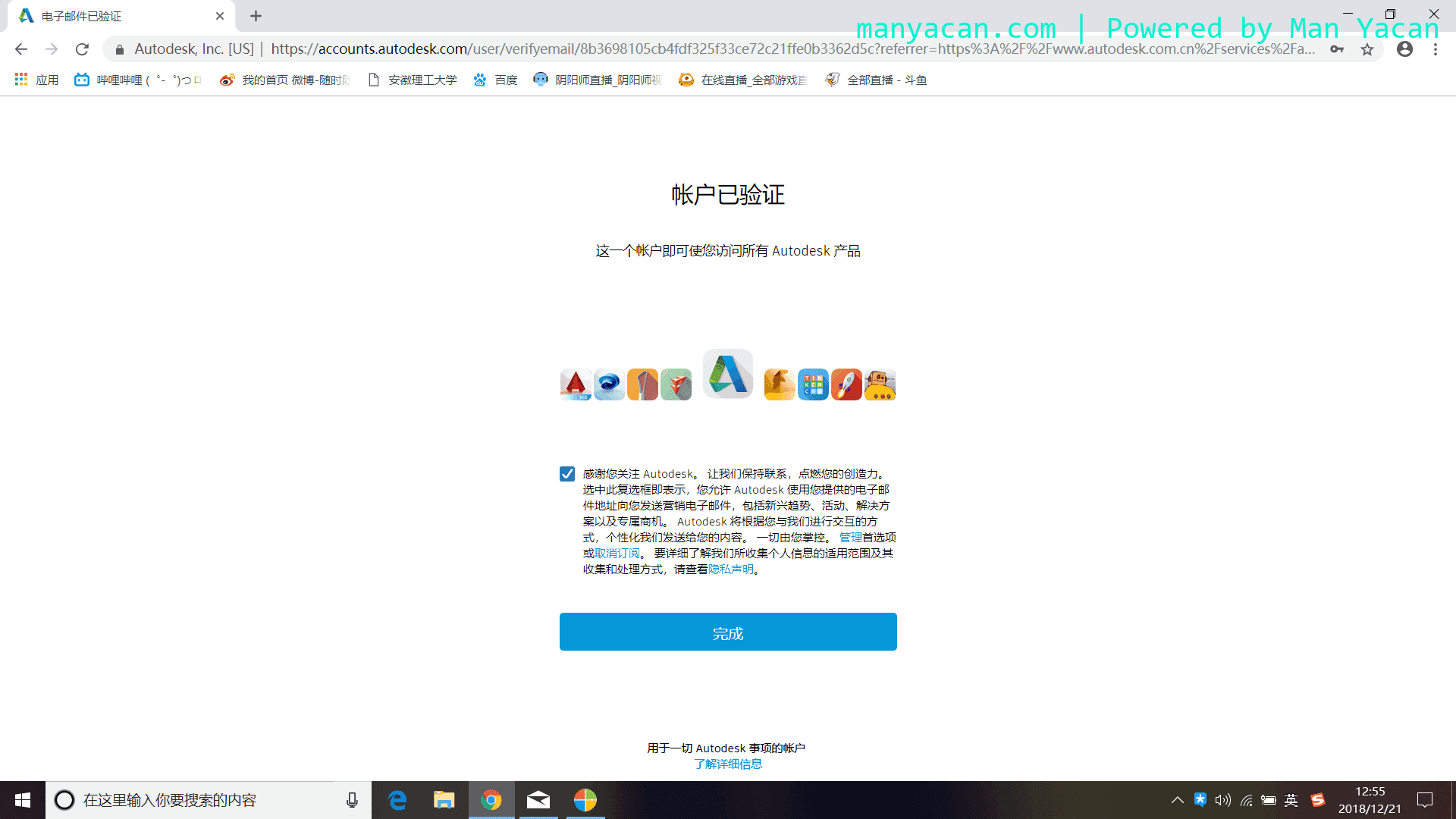
- Click Finish, then enter your school and other requested information on the page.
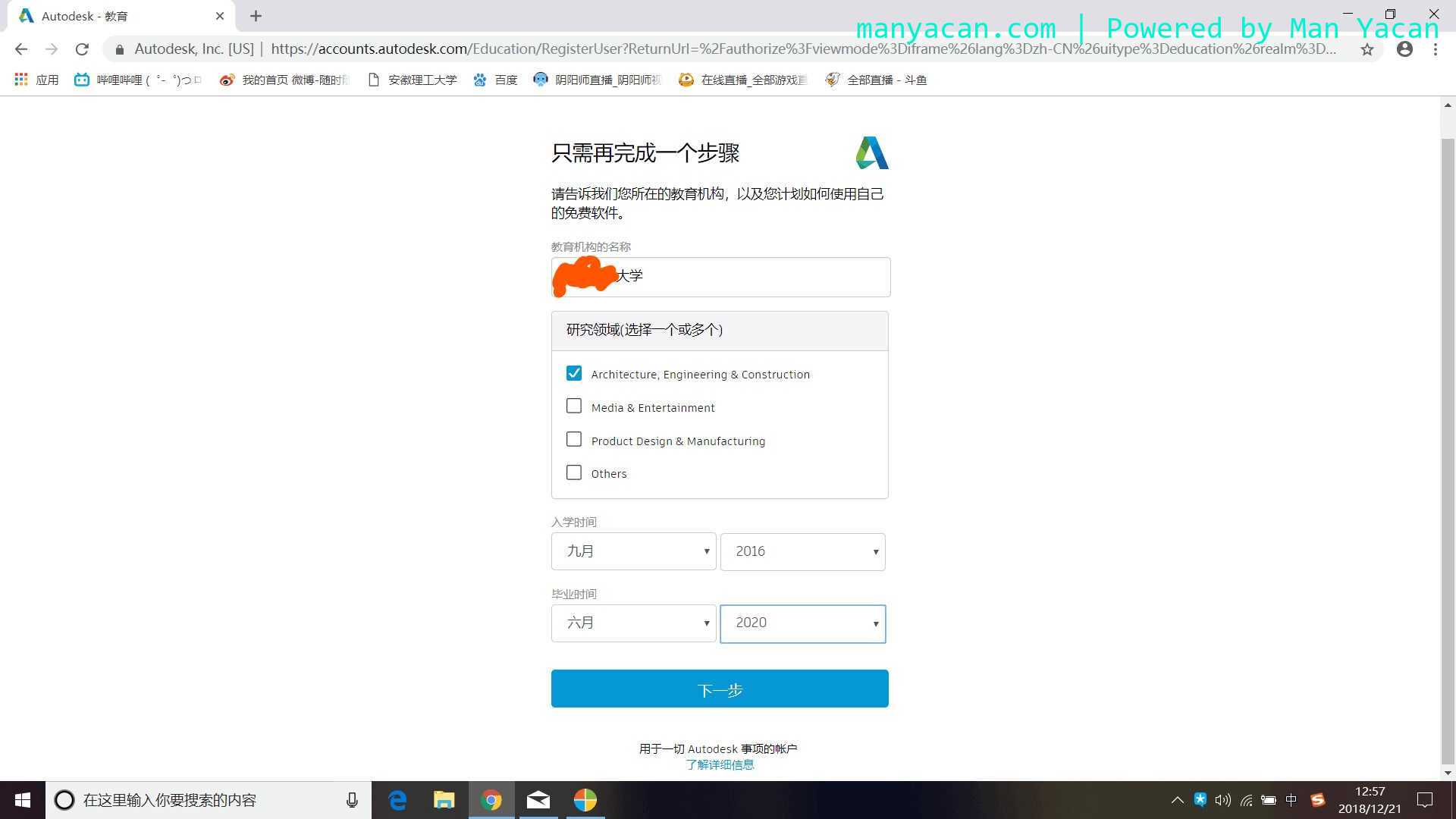
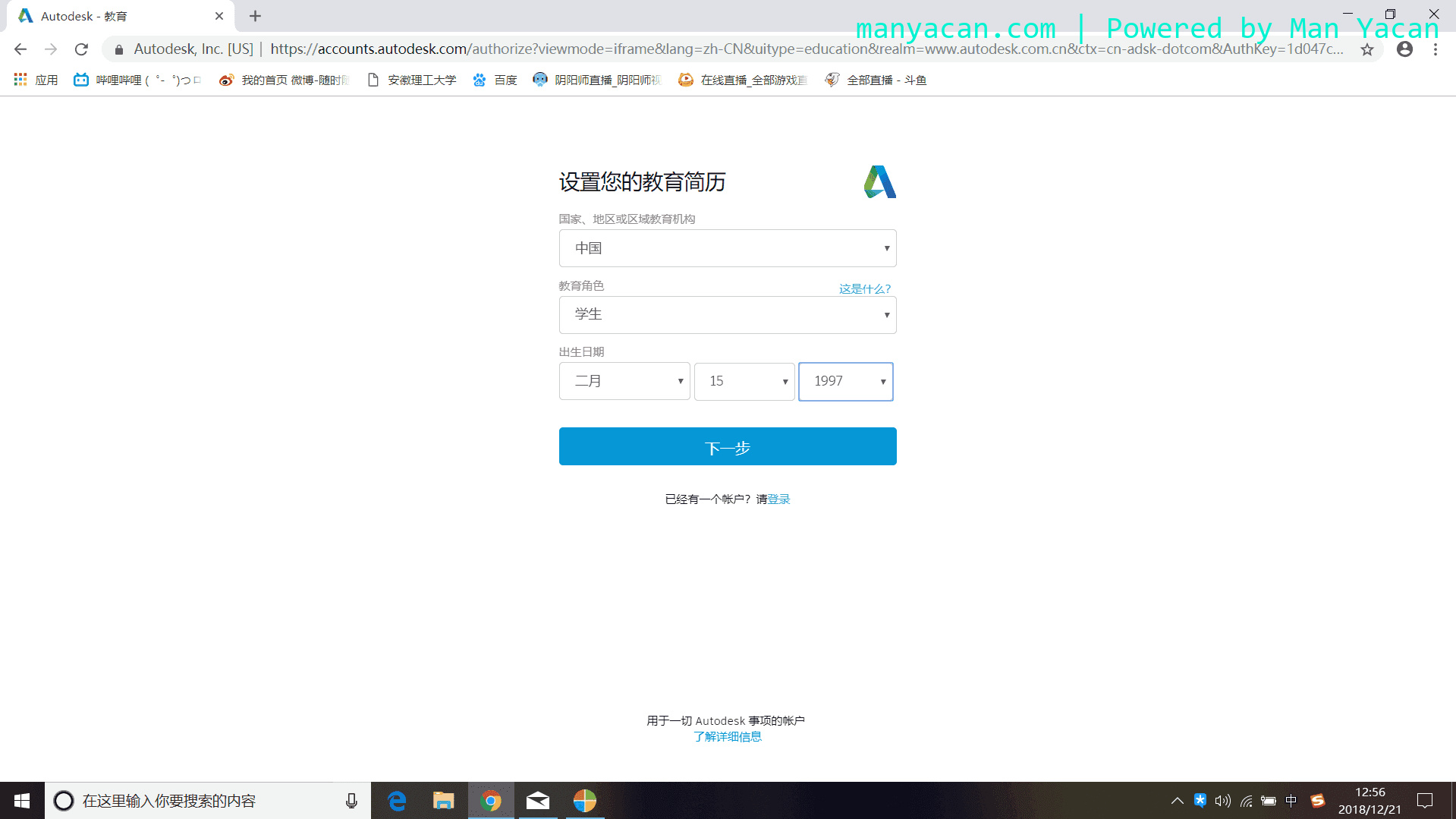
- After verification is complete, go to the official AutoCAD site to download the software. One practical annoyance: the download can be extremely slow. When I did it, I could not tell whether my VPN was the cause.
You now have an official Autodesk education account and can use the software free within the valid period.
Download from the official site if at all possible. This is not just a formality—it is how you get the activation email and avoid questionable installers.
- Log in to the AutoCAD download page and choose the version you need.
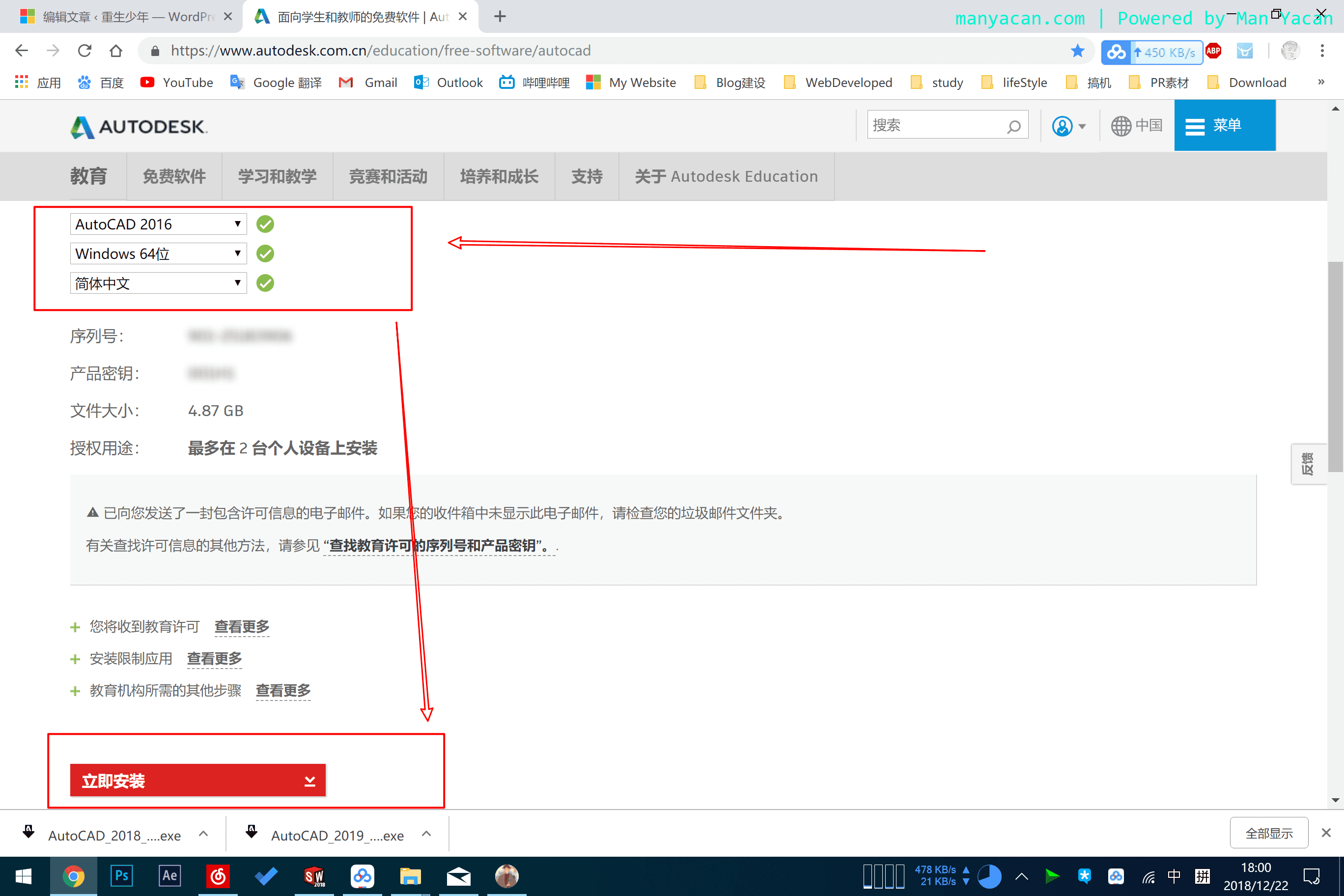
- After you complete the download request, you will receive an email. Note that this email is sent only if you downloaded the installer from the official site. It contains an activation code, and one code can activate two devices.
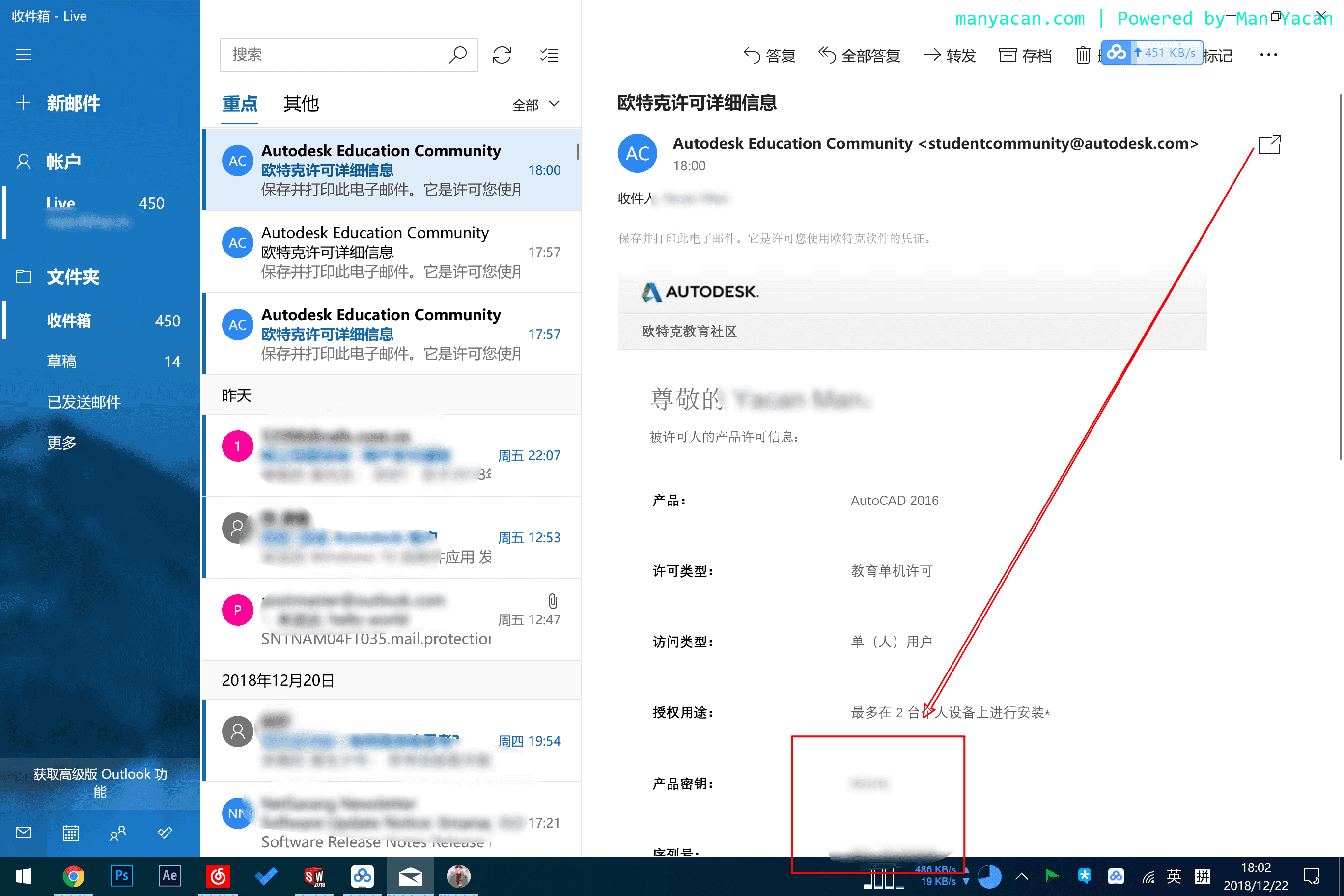
- Copy the product key and enter it when you install the software.