The hardware: a NAS build that even I found a little strange
This was not exactly a carefully planned project. To be honest, when I asked a seller on Xianyu to print the case, I was still trying to convince myself: since it has already been printed, I might as well play with it.
A NAS is one of those devices that many people do not really need. For a typical home user, a lightweight NAS setup is often more than enough: something like a OneCloud box with a single mechanical drive, plus the cloud server many people already have. That would cover most everyday needs. So why assemble an x86 NAS? I still cannot fully explain it. Maybe I just suddenly wanted to tinker.
The most expensive part of this build was the dedicated NAS case printed by the Xianyu seller. The so-called worry-free package cost around 280 yuan. Aside from the motherboard-related components, most of the case-side parts were already prepared. The hardware I had lying around included an old 4th-generation i7 processor, 16 GB of memory, a Jingyue motherboard, one onboard M.2 slot, and four SATA ports.
This configuration has almost no reference value for anyone building a new NAS today. A 4th-gen Intel processor is not exactly power-efficient, and even the low-voltage versions from that era are not particularly impressive in power consumption. Since efficiency was already sacrificed, I simply went with the higher-frequency option.
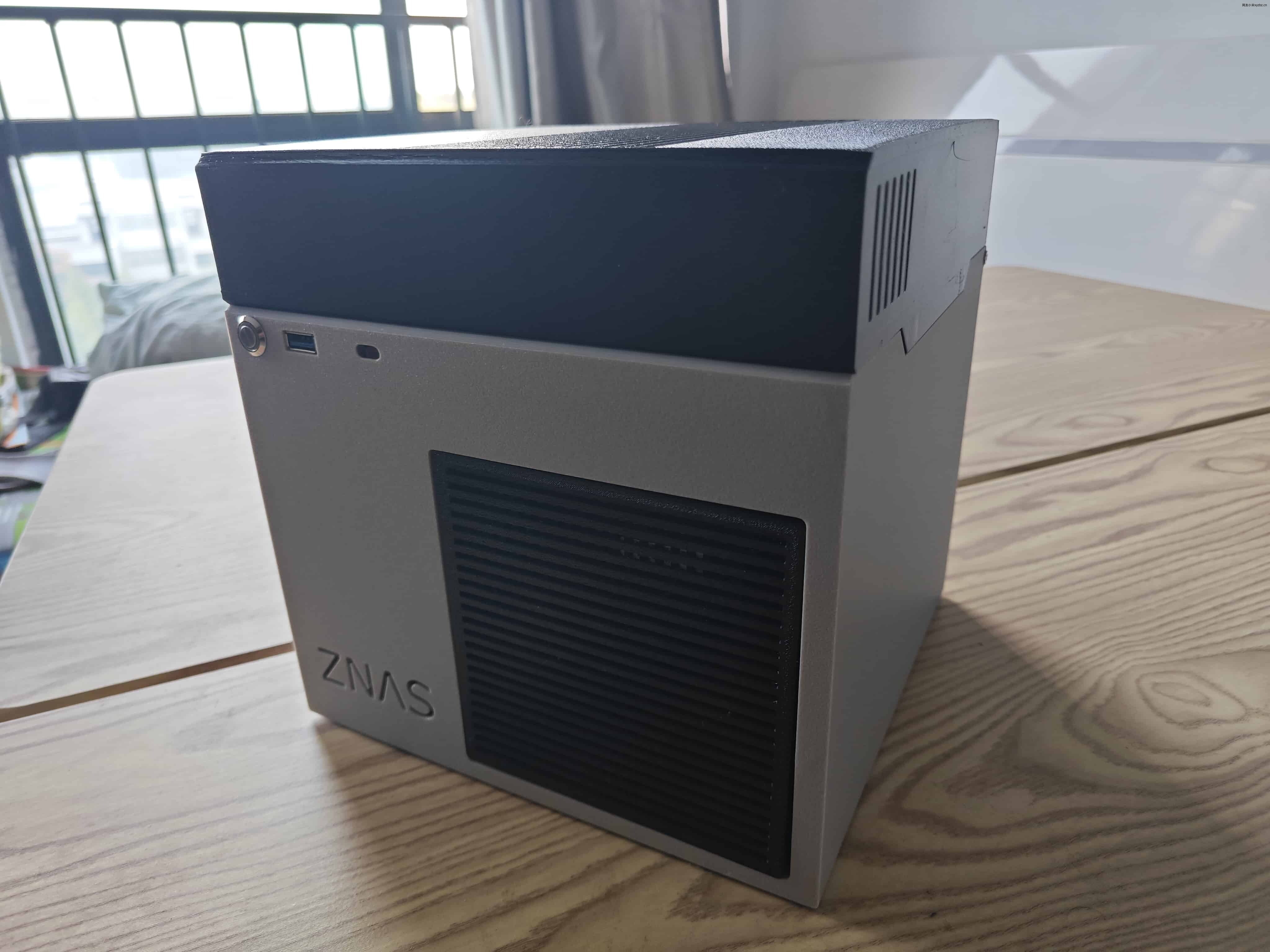
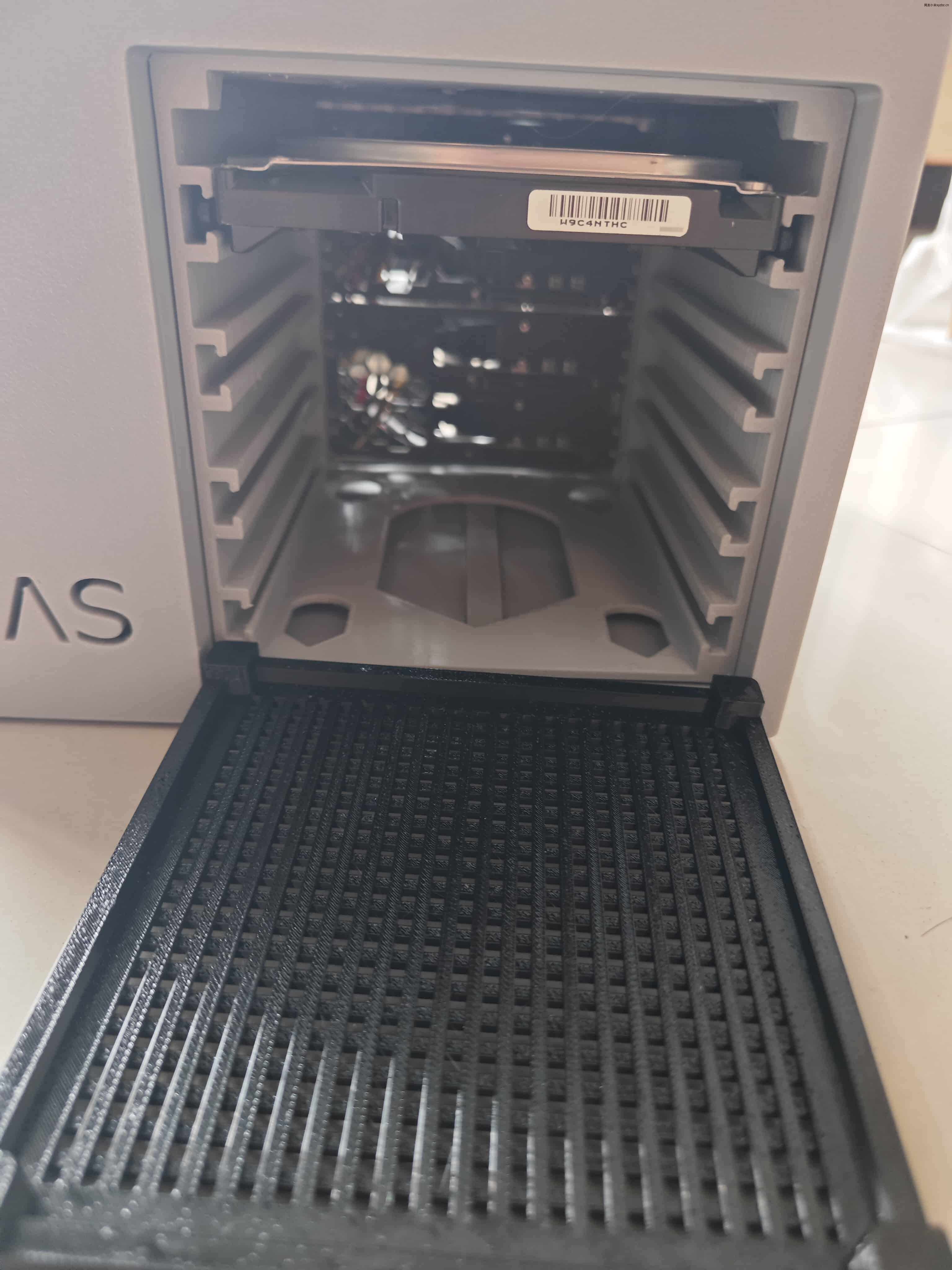
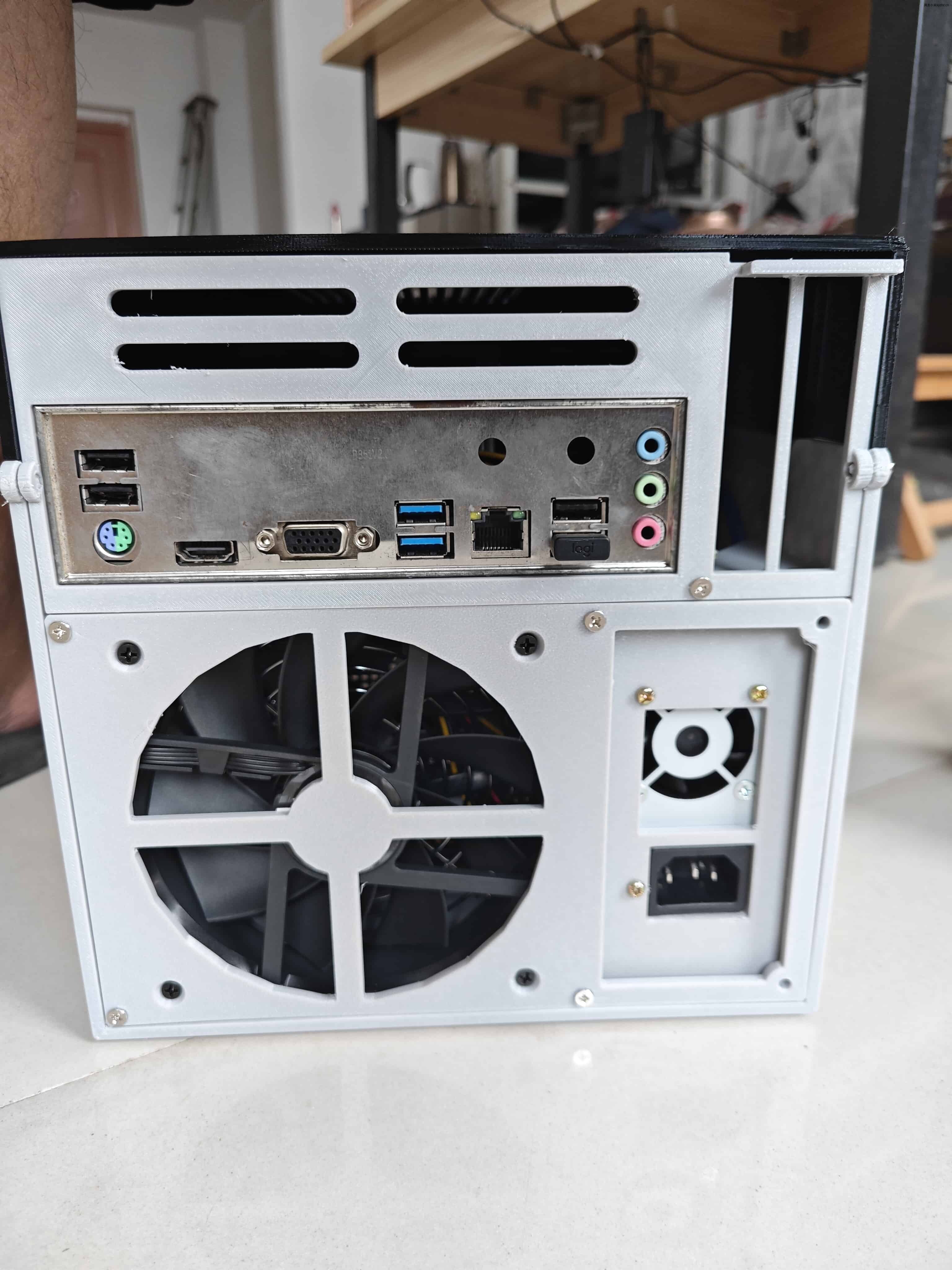
One reason I chose this ZNAS-style case was its layout: the motherboard sits at the top, and the internal height is relatively friendly to CPU coolers. Many similar cases impose strict limits on memory height and CPU fan height, which makes cooler selection awkward. I even asked a Taobao fan seller about the measurements they listed, and they did not seem confident in their own specifications. They told me to buy from someone else, which was honestly a bit ironic.
The assembly itself took nearly an hour. It was not difficult, but it was the kind of small-form-factor build where you have to keep checking clearances and cable routing.
Why I chose Feiniu OS
Before installing the system, I looked at several common NAS options: Xpenology, TrueNAS, Unraid, and OMV. In the end, Feiniu OS felt simpler and more aligned with domestic usage habits. It pays attention to things that matter in everyday use, such as intranet penetration, mobile app support, and a straightforward installation process.
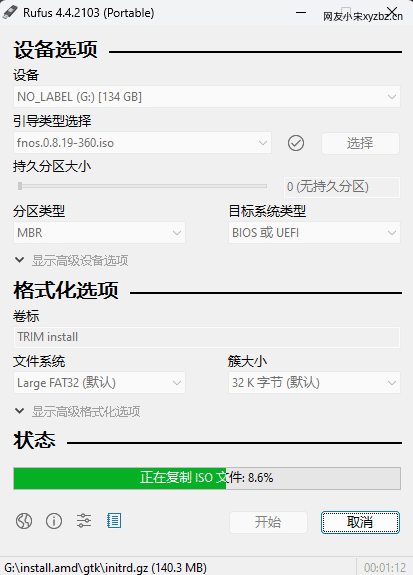
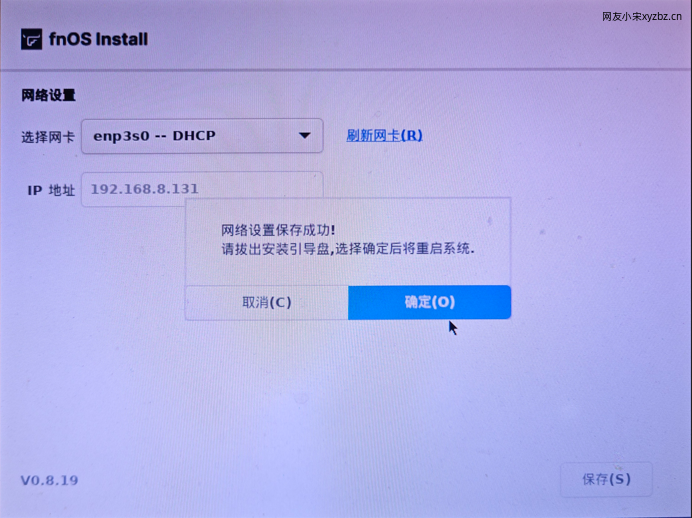
The installation flow is very close to installing Windows:
- Download the image from the official website.
- Write it to a USB drive.
- Boot the NAS from the USB drive.
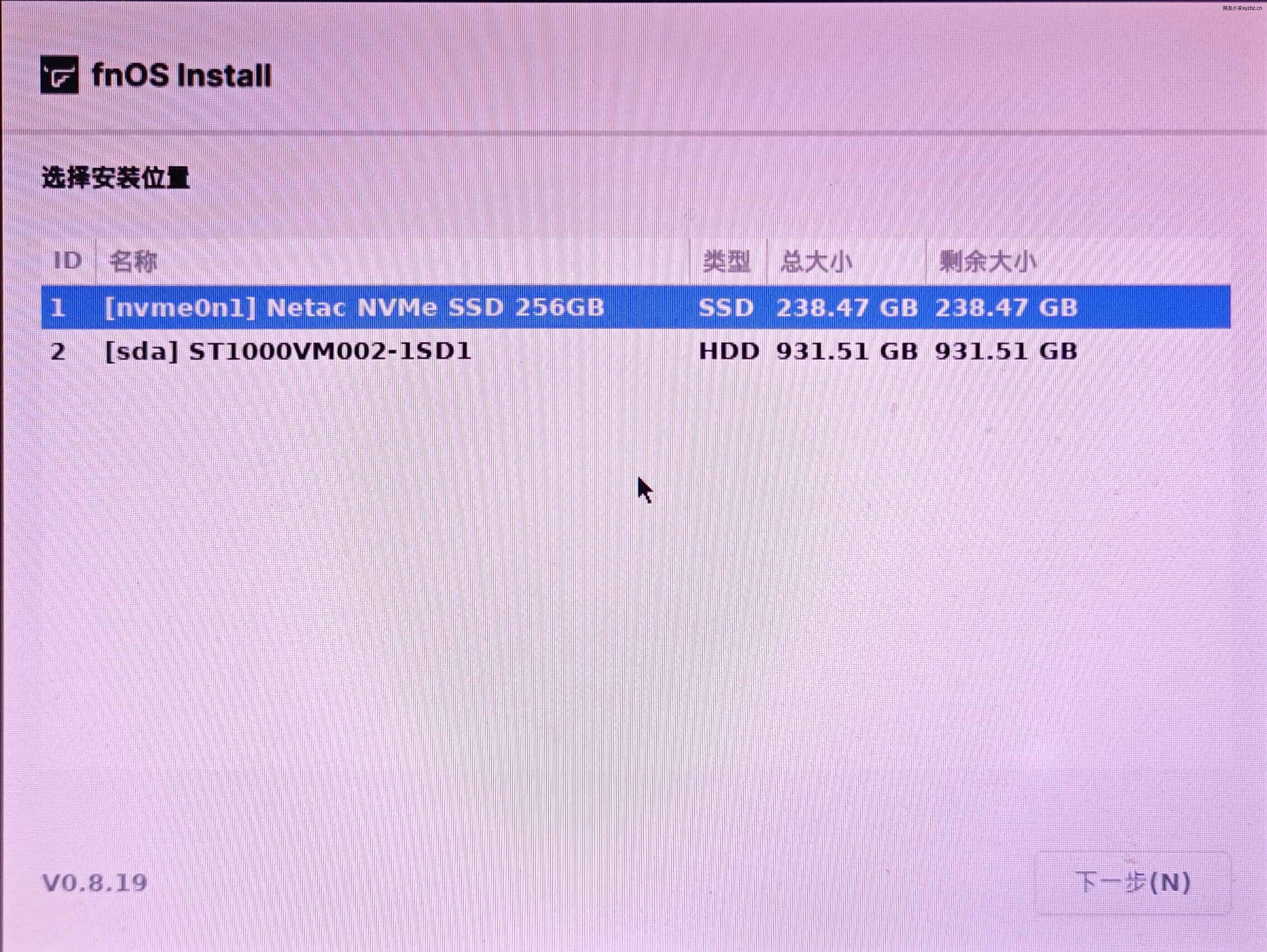
- Select the installation disk.
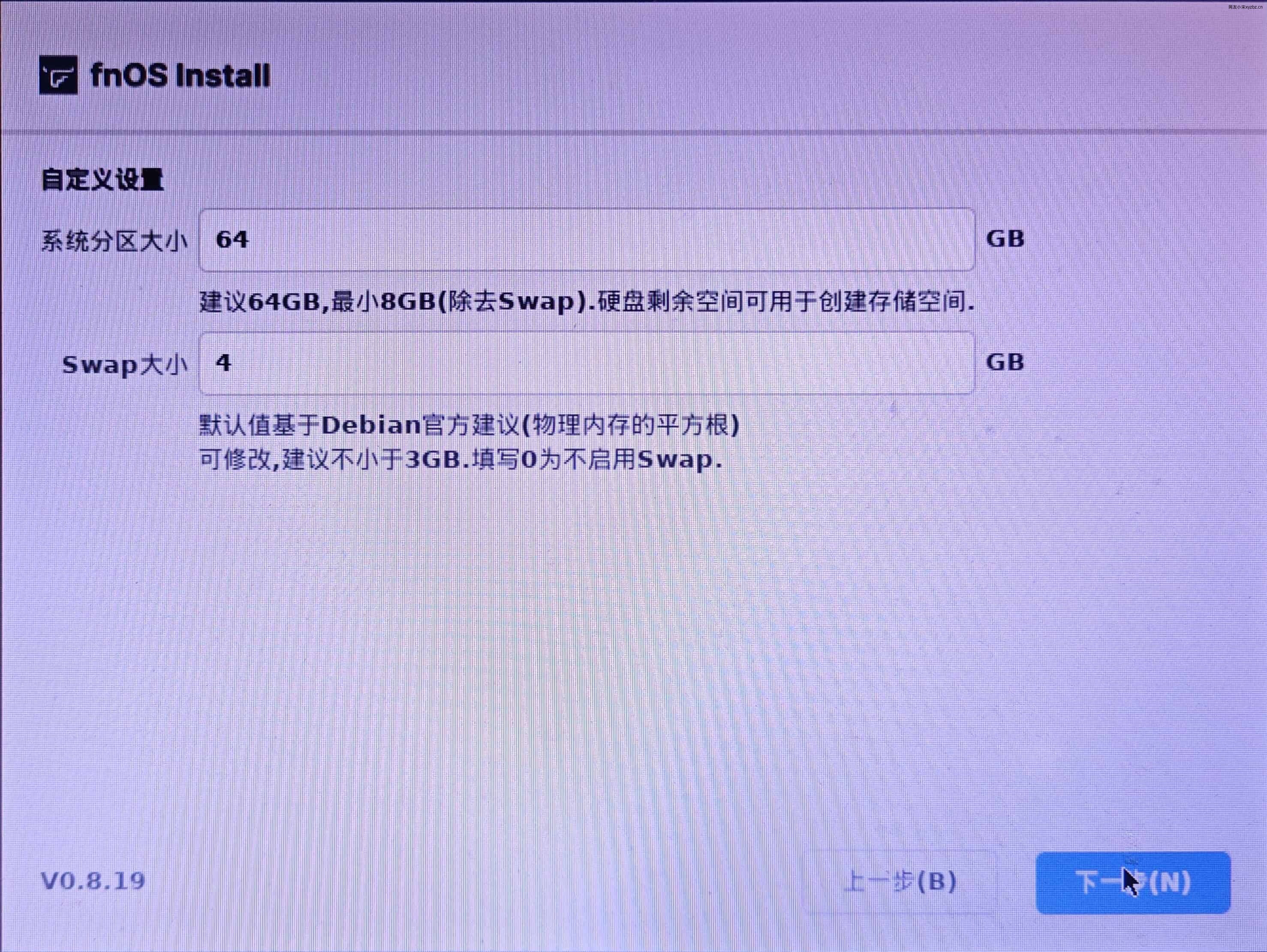
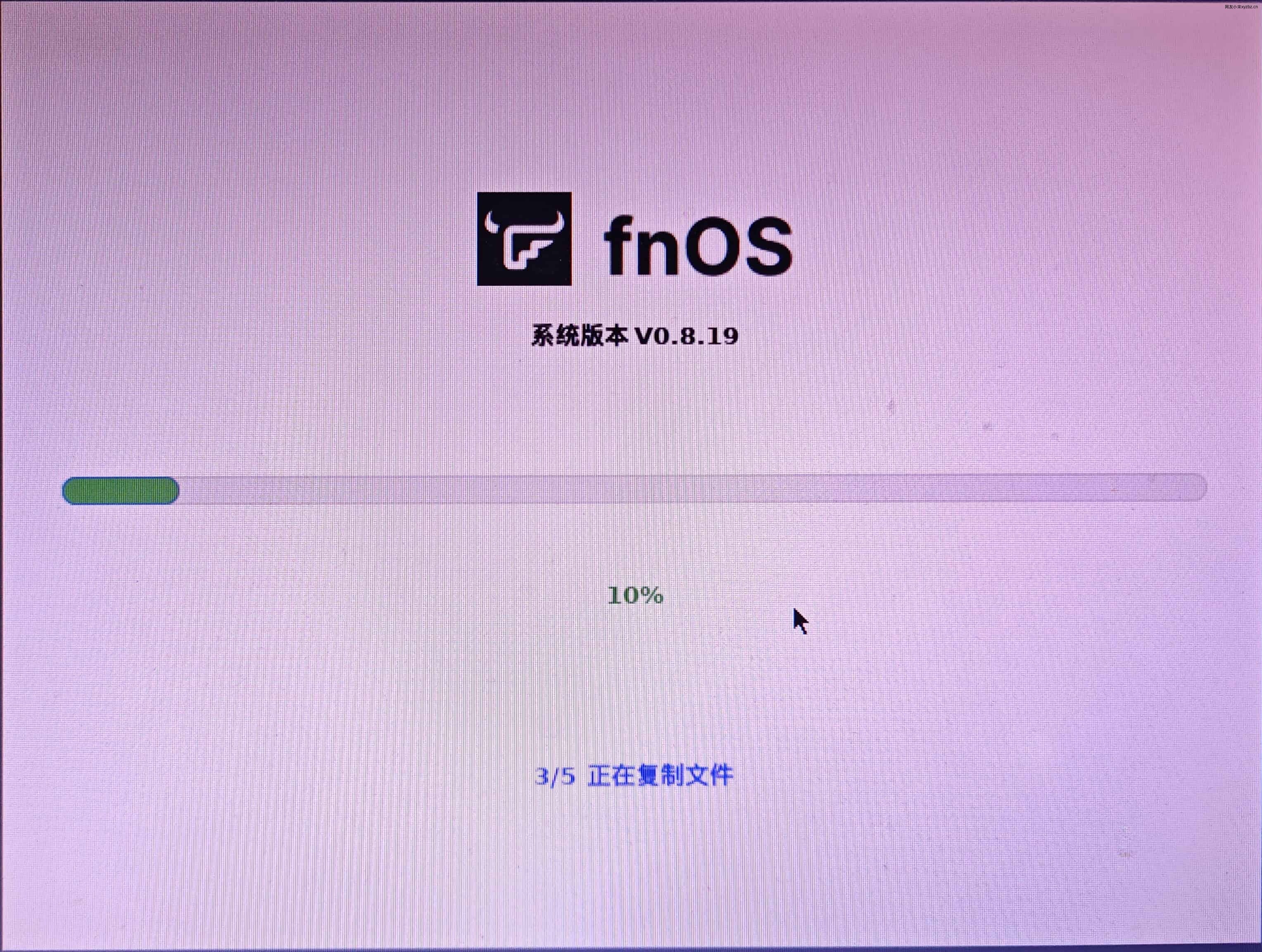
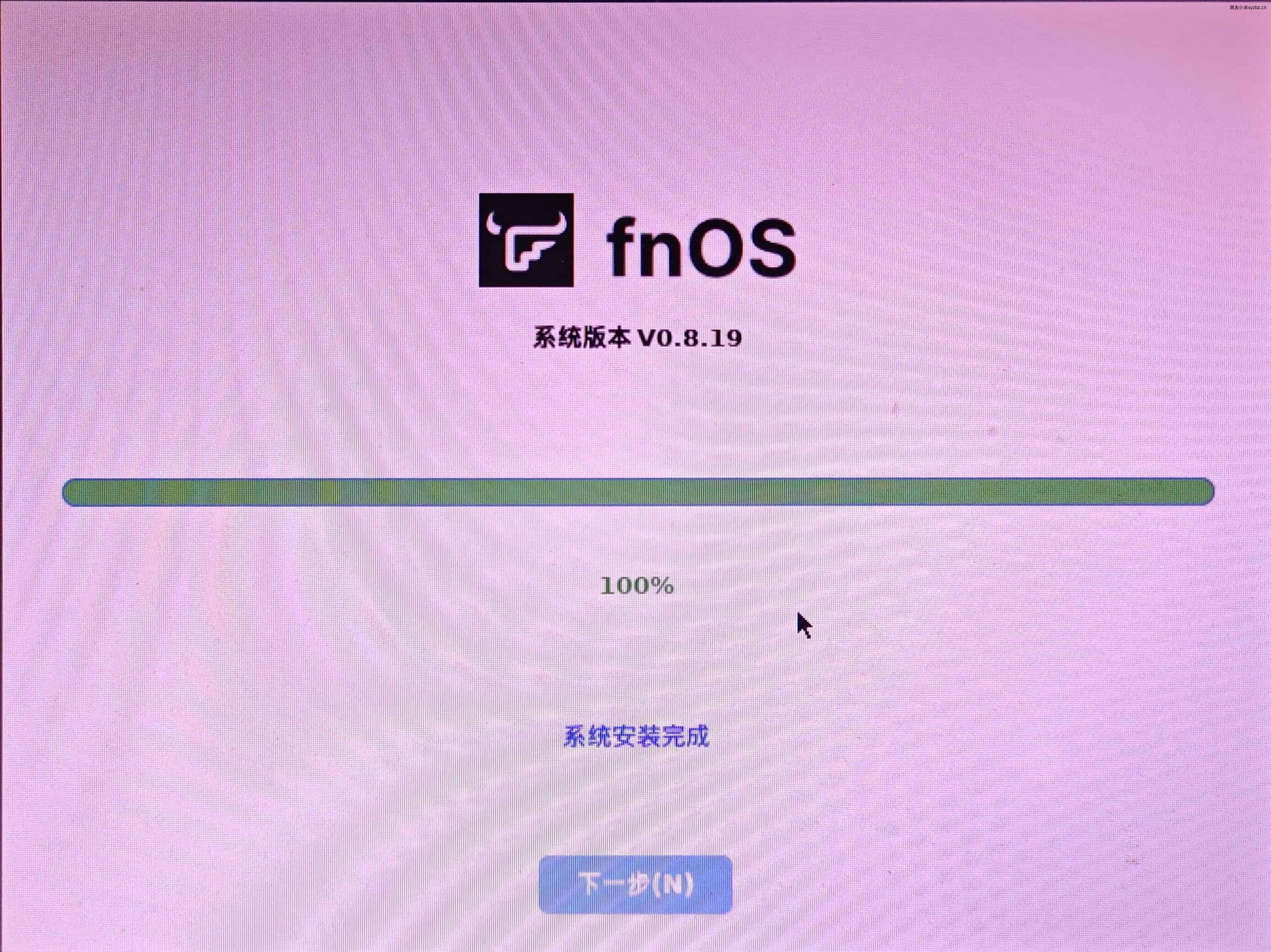
- Click through the steps and wait for installation to finish.
There is not much mystery to it.


Creating storage pools and volumes
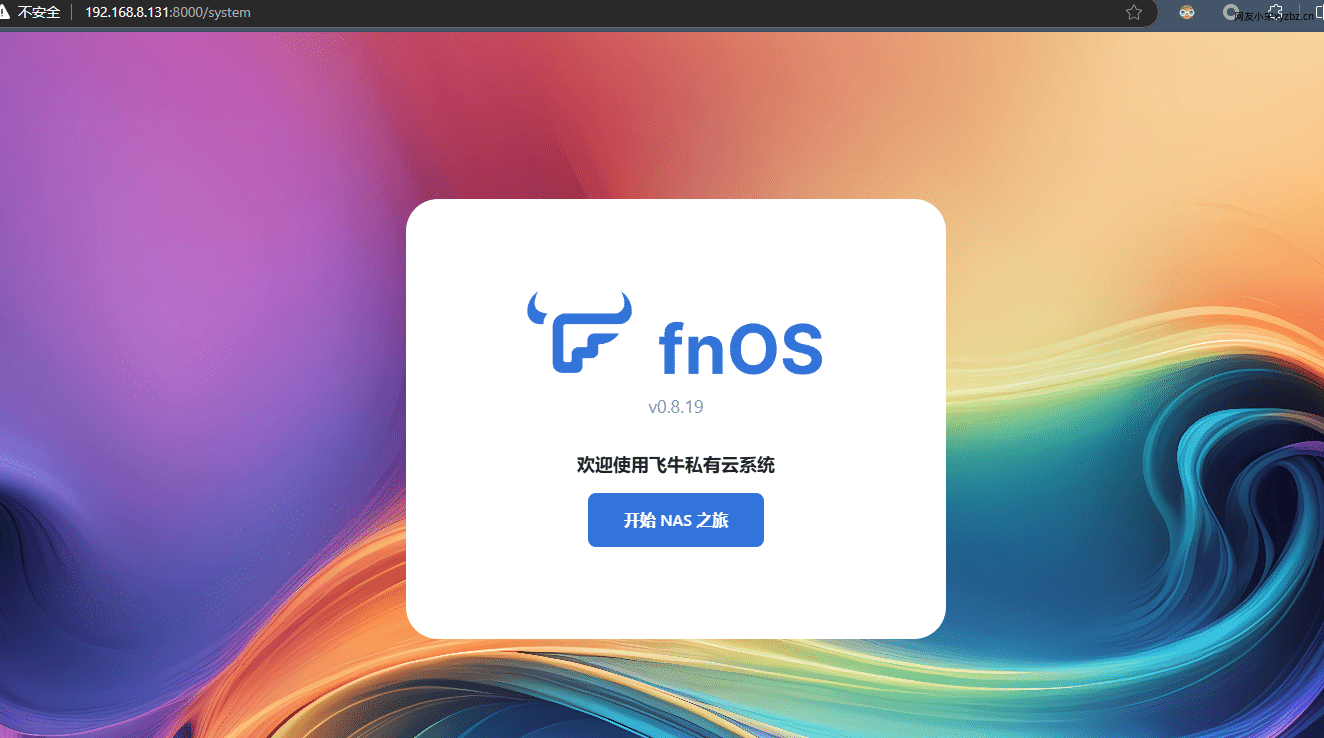
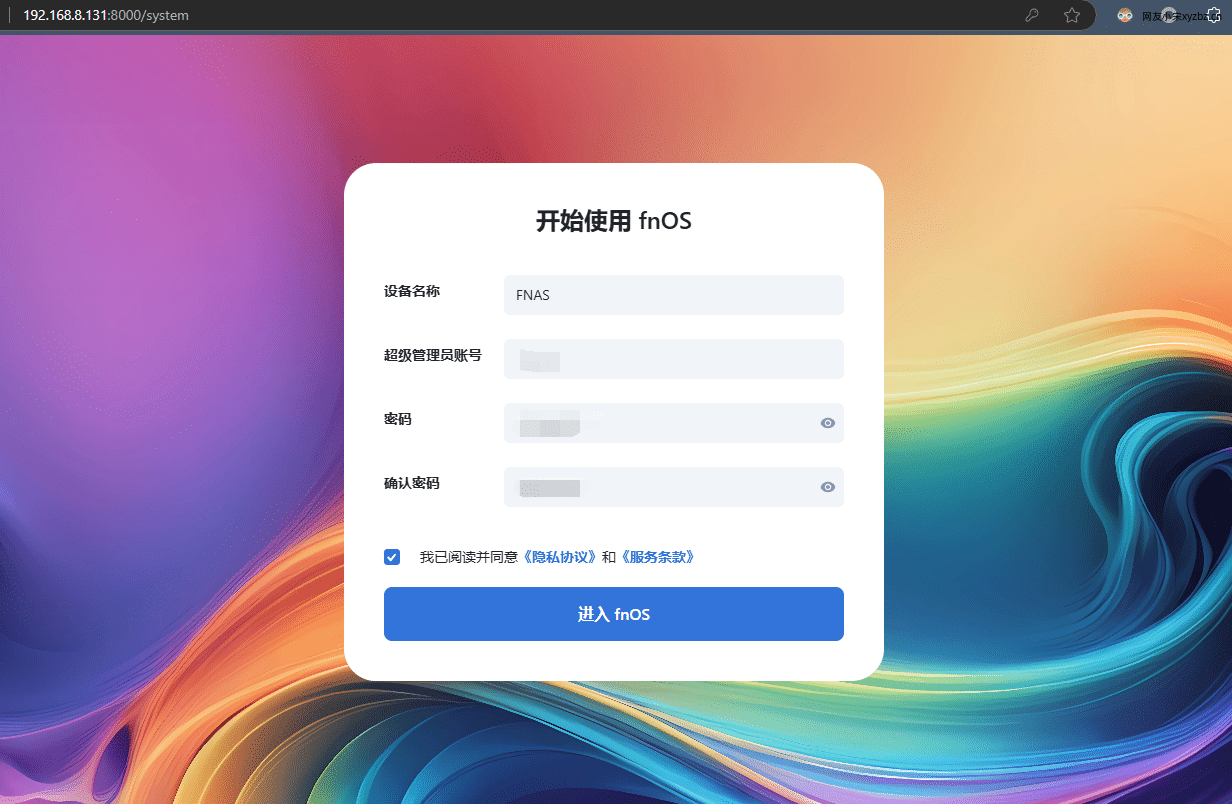
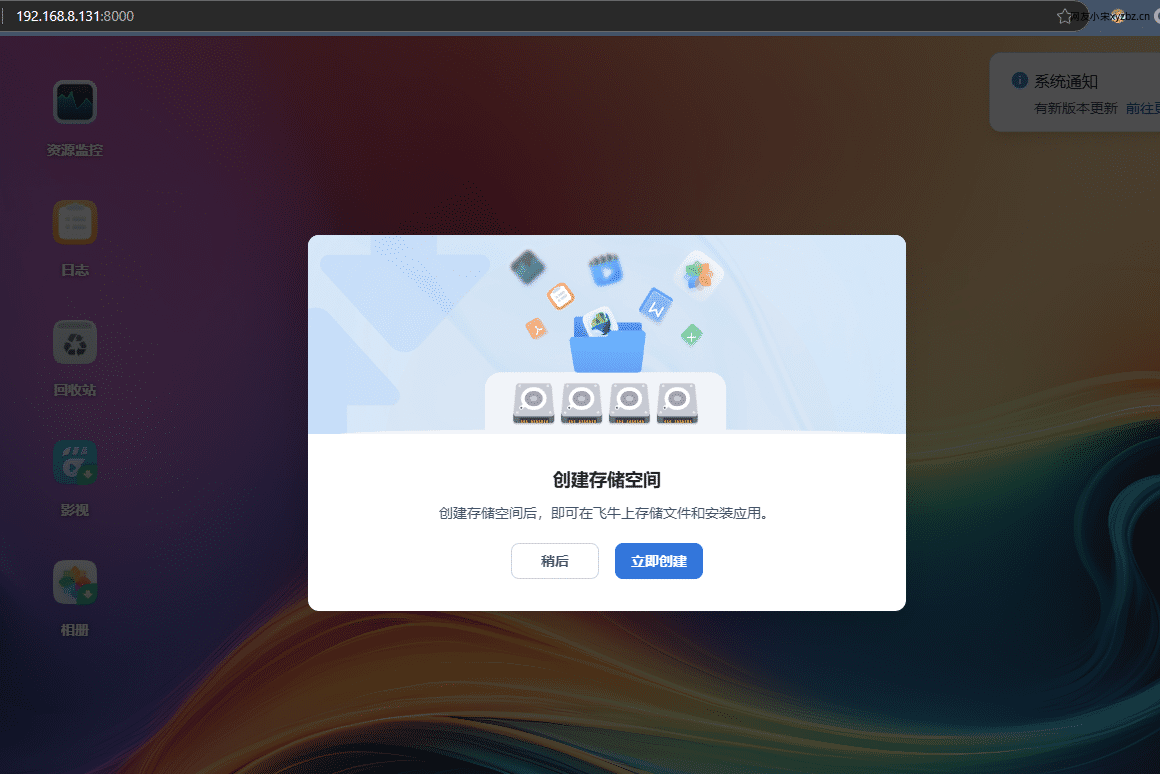
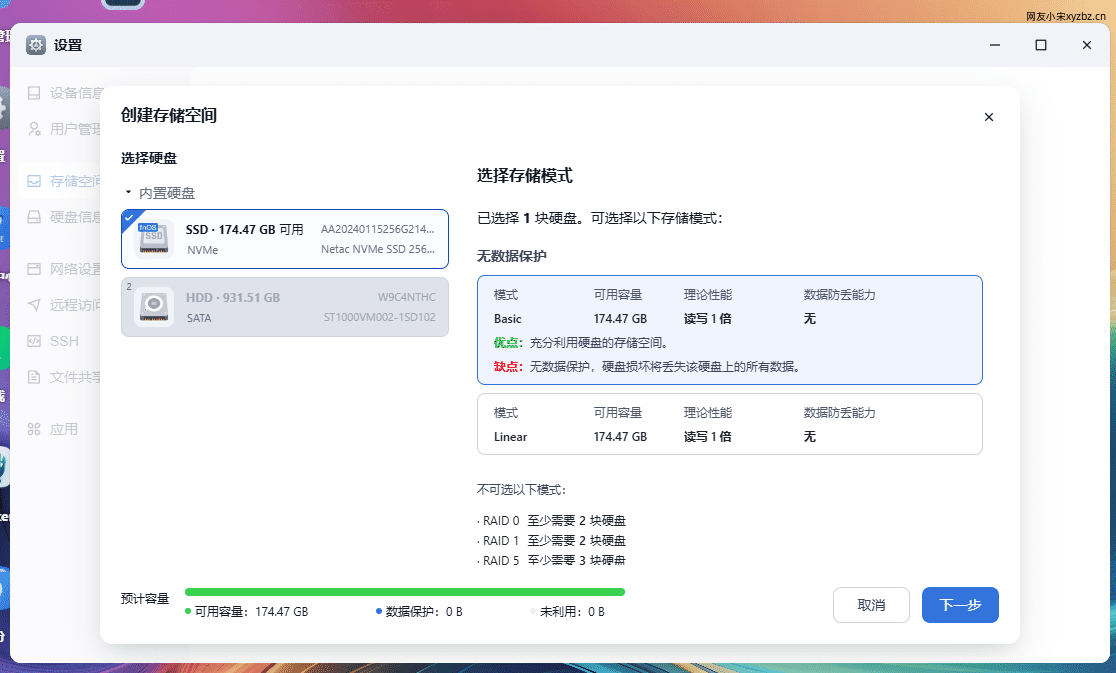
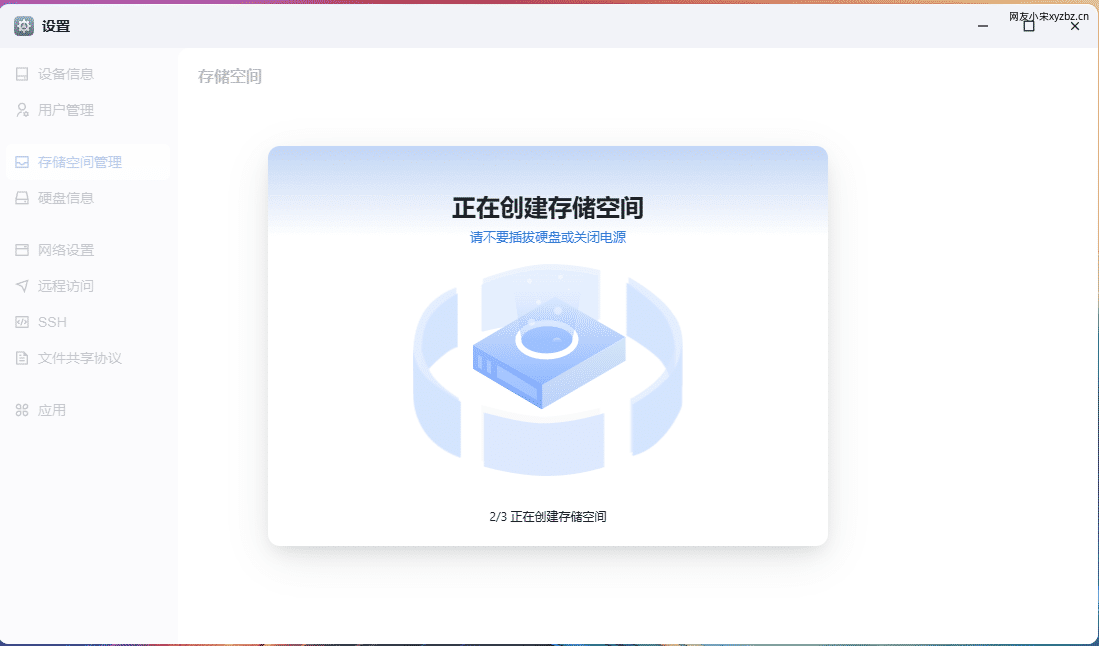
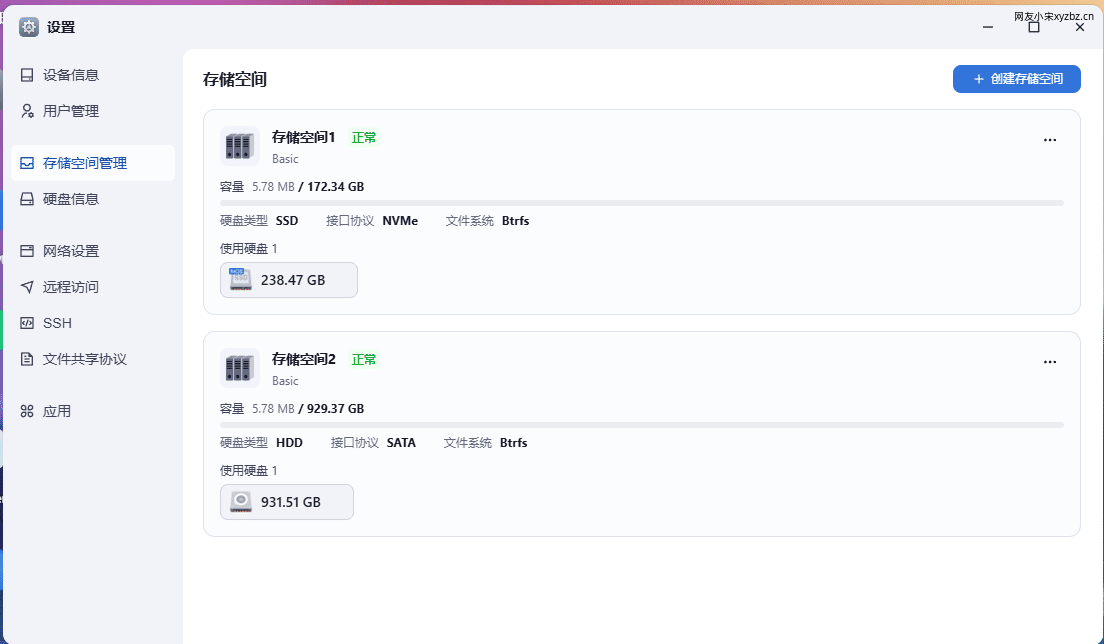
If you have used a NAS before, the storage setup will feel familiar. If you have not, Feiniu OS does a decent job of guiding you through it. In my case, this NAS is still in a testing phase, so I only initialized two single disks for now. RAID is something I plan to discuss separately later.
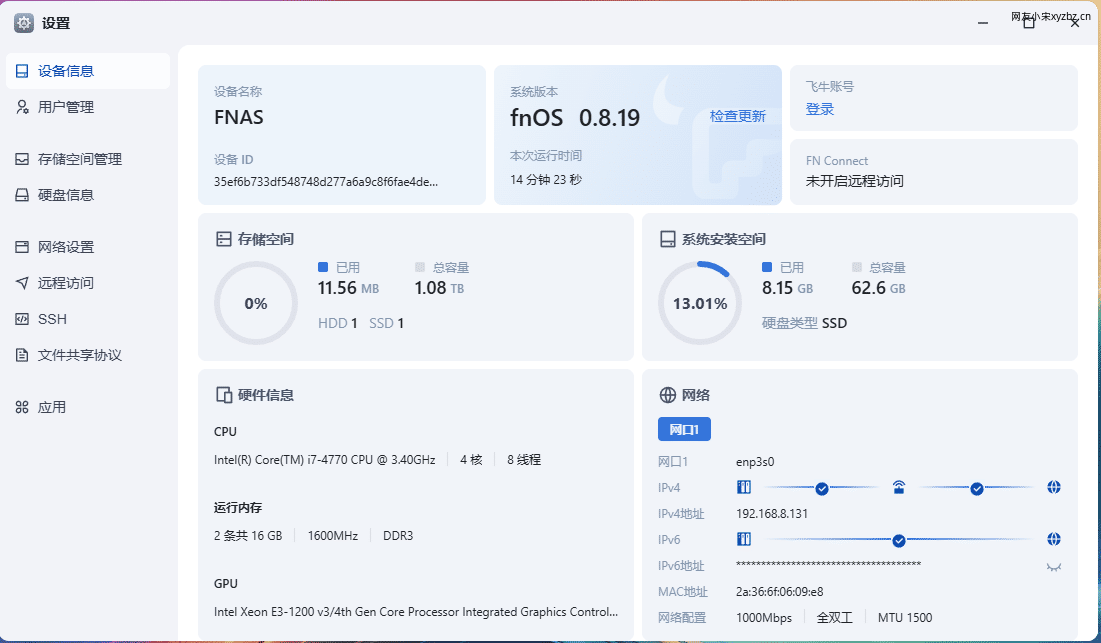
The system walks you through the setup step by step. You can try building a RAID array, and Feiniu gives prompts about how different RAID options should be configured, including reminders about whether a given layout is reasonable. After the storage is created, the hardware and disk status are shown in a clear, easy-to-understand way.
File management and permissions
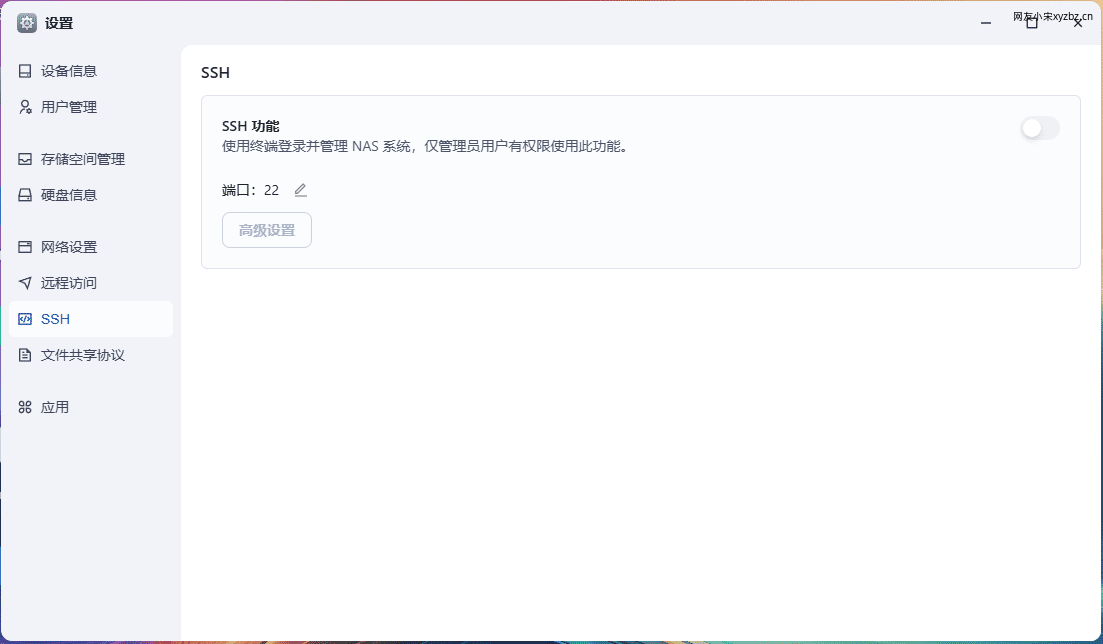
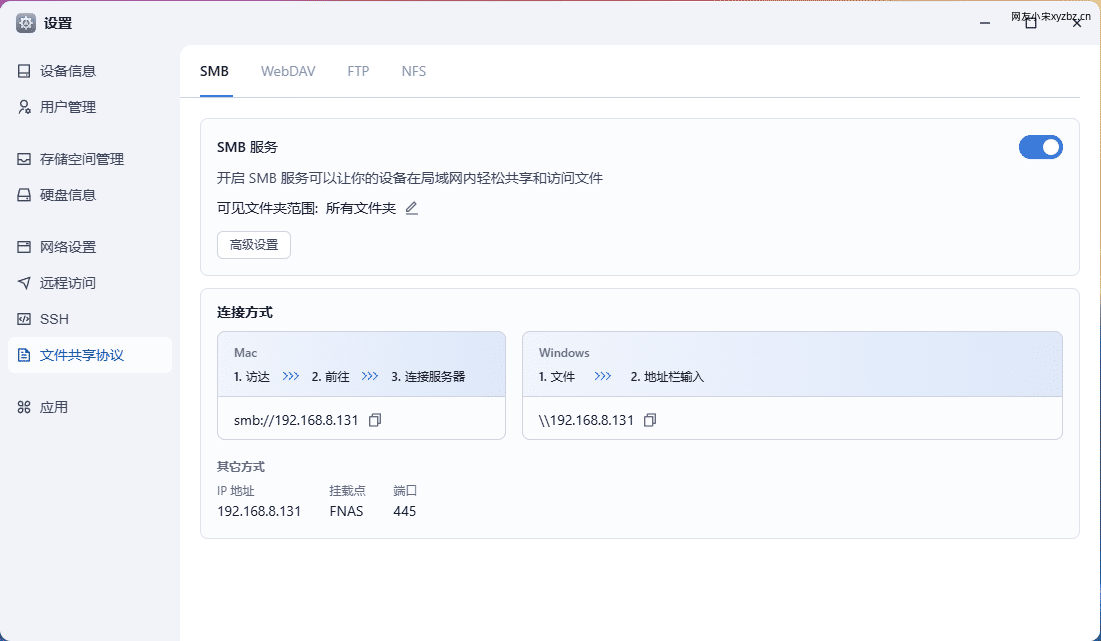
The file management section is already quite complete. You can create folders on specific disks, assign management permissions to particular directories, remotely mount cloud drives, and define independent directory scopes for applications. SSH access can also be enabled.
For a new NAS operating system, many of these details are already approaching what you would expect from more established NAS platforms.
Docker support
The Docker implementation deserves praise. It is a complete Docker feature set and supports Compose.
This is not just nitpicking: OMV’s Docker experience is really unpleasant to use. I had previously been relying on third-party Docker panels because of that. Feiniu’s built-in handling feels much more comfortable.
Other built-in functions
Backup features and an app store are both present. At this stage, Feiniu OS is surprisingly complete for a new system. Some missing functions can also be compensated for through Docker.
When I installed it, the system update prompt already showed that some issues had been added or fixed. It feels like quite a few people are actively using and testing it right now. The atmosphere reminds me a little of the early MIUI testing days.
Remote access and mobile use
After enabling Feiniu Remote and creating an ID, the NAS on the local network can be accessed through both the web interface and the mobile app. I tested it for a while, and the speed was acceptable. The actual transfer rate was said to reach around 1 MB/s, though this depends heavily on the local network environment.
I uploaded some photos to the NAS through sync, then mounted the shared folder on my computer and pulled the files directly to the PC for processing. It worked well. Compared with my previous OMV setup, the experience is genuinely much better.
Feiniu also provides services such as DDNS, so you can directly resolve domains from certain cloud service providers.
Power consumption
I changed the BIOS setting so the machine automatically powers on after electricity is restored. After three days of testing, the average power usage was about 0.7 kWh per day. Over the past couple of days, I have also been using Feiniu’s download feature to download movies, and the result is better than expected.
The whole machine sits around 30 W. I may add three mechanical drives later, and even then the overall power consumption should still be acceptable. For comparison, the earlier three-day figure came from my previous Raspberry Pi NAS setup and did not include the external disk enclosure.
Some thoughts after testing
From a hardware perspective, a low-power processor is clearly the better choice for a NAS. After all, this kind of device is usually powered on 24 hours a day. My current setup is more of a compromise because I do not want to spend more money on hardware for now.
The mainstream N100-based options, including printed-case solutions, seem to cost more than 1,000 yuan in total without hard drives. I did feel tempted to build something completely new, but reason won out: I should use this old hardware first.
As for hard drives and RAID, I currently still have three empty drive bays. The plan is to install two 4 TB to 8 TB drives in RAID 1, then add another similar drive as a backup disk. At first, I considered RAID 5, but after reading different opinions, I found one idea quite interesting: the most important thing for a NAS may not be building a RAID array, but learning how to back up properly.
Because of possible unknown failures, I still plan to try RAID 1. Running everything as single disks makes me worry that one day I will regret it badly. For important files, regular backups are still necessary. Those backups can go to another local disk, another NAS, or an external hard drive.
The main hardware complaint so far is the cooling fan. If I walk close to the machine, the noise is noticeable. Placing it a little farther away makes it much less of an issue.
Feiniu OS is based on Debian 12, so openness should be relatively good. I am still testing it, and I may later use this NAS as a small server, together with some low-cost cloud servers and intranet penetration tools.
One feature worth emphasizing is the media library. The automatic metadata scraping for movies is quite good. For people who like collecting films, this is genuinely a welcome feature.
The main shortcoming I currently see is security. The system does not seem to include WAF functionality, and personally I think that matters. Basic functions can always be improved over time, but the absence of this part still feels like a pity. Hopefully it will be added in a future version.
That is roughly where my experience stands for now. I may write more later based on further use of Feiniu OS.