A distinctive avatar is almost a basic necessity online. If you can’t draw, the usual options are pretty limited: grab something from the internet, or borrow a character image from an anime, comic, or game. With AI image generation, that process is much easier now. A few keywords are often enough to produce a custom profile picture in seconds—something that reflects your own look or vibe instead of relying on whatever happens to be available.
After trying a number of Midjourney prompts that work especially well for avatars, I ended up with a few approaches worth keeping. Some are based on your own photo, while others work entirely from text prompts.
Before you start
A few things are needed first:
- Access to Midjourney
- A paid account, either through your own subscription or a shared account purchase (around 30–40 RMB per month). Midjourney is no longer available for free users.
- If you want to generate an avatar from your own photo, upload the image to an image hosting site first and keep the direct link ready for use. Services like
https://imgse.com/can be used, or you can search for similar image hosts yourself.
If you’re not familiar with the exact setup process, it’s easy enough to find tutorials elsewhere, or ask for instructions when purchasing access.
Turning your photo into an avatar
Using your own photo is the fastest way to get something personal. Midjourney can push that photo into a stylized direction while still keeping some resemblance—especially if you adjust image weight.
Pixar-style avatar
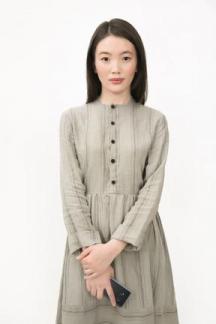
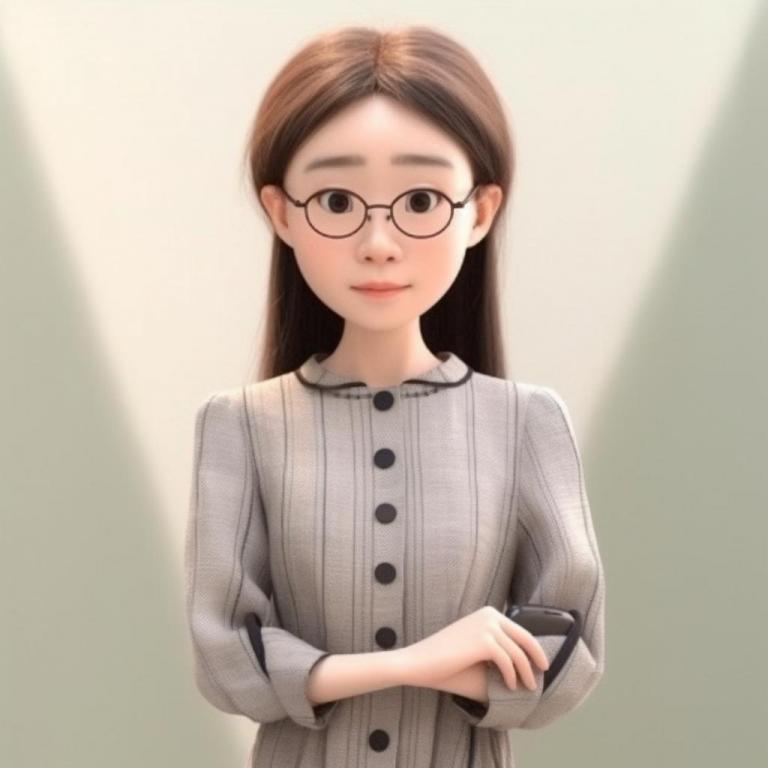
https://example.com/example.jpg(替换为自己的) cartoon, Pixar style, profile picture
For whatever reason, Midjourney may add glasses even when they weren’t intended. If that happens, you can add --no glasses at the end to remove them.
Pixar-style avatar, version 2
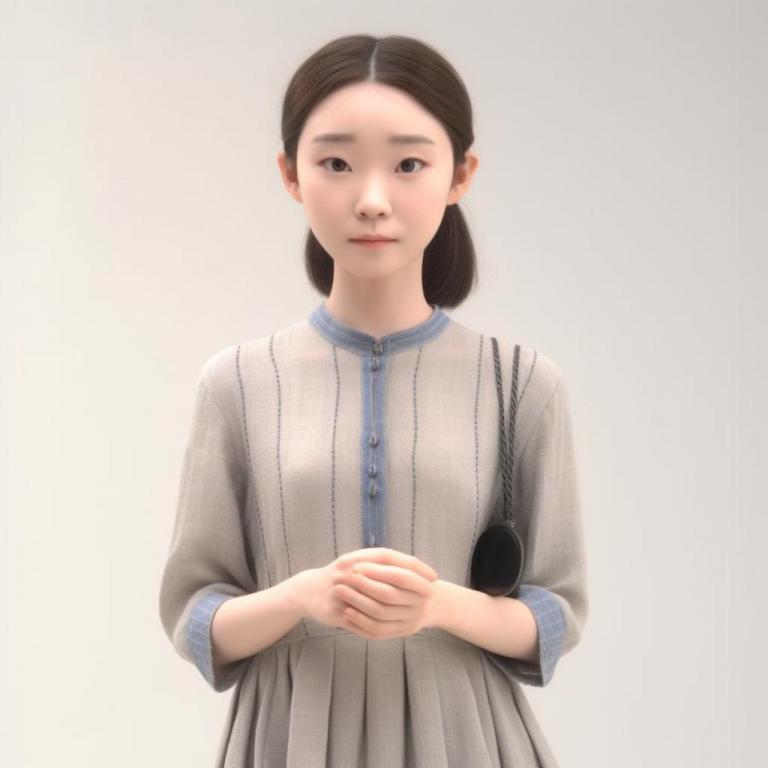
https://example.com/example.jpg(替换为自己的) simple avatar, pixar, 3d rendering, --s 500 --iw 1.5 --v 5
Here, --iw 1.5 controls the image weight. The larger the number, the more closely the result follows the photo. The maximum is 5, and the default is 0.25.
Pop Mart-style avatar
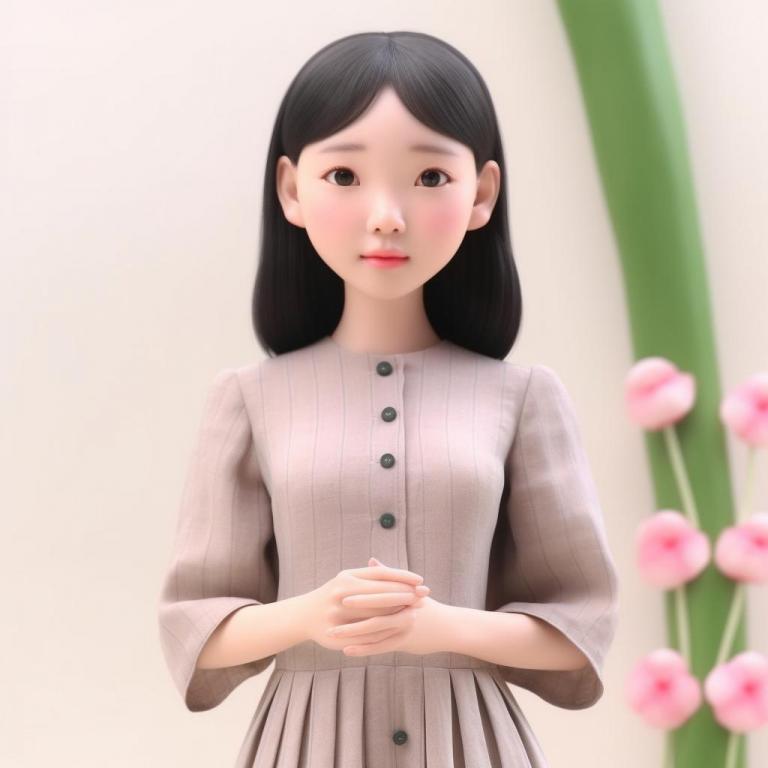
https://example.com/example.jpg(替换为自己的) super cute girl IP by pop mart, Black hair, Bangs, Scenes in spring, pastel color, mockup, fine luster, clean background , 3D render, Soft focus, oc, blender, IP, best quality ,8k --ar 3:4
If you’re generating a male avatar, remember to change girl to boy in the prompt.
Making an anime-style avatar without a photo
A photo isn’t required. Midjourney can also generate a satisfying avatar from keywords alone.
For example, if you want an anime-style profile image of a gray-haired boy wearing glasses and a white shirt, you can build a prompt around those traits, then keep regenerating and refining until the result feels right.
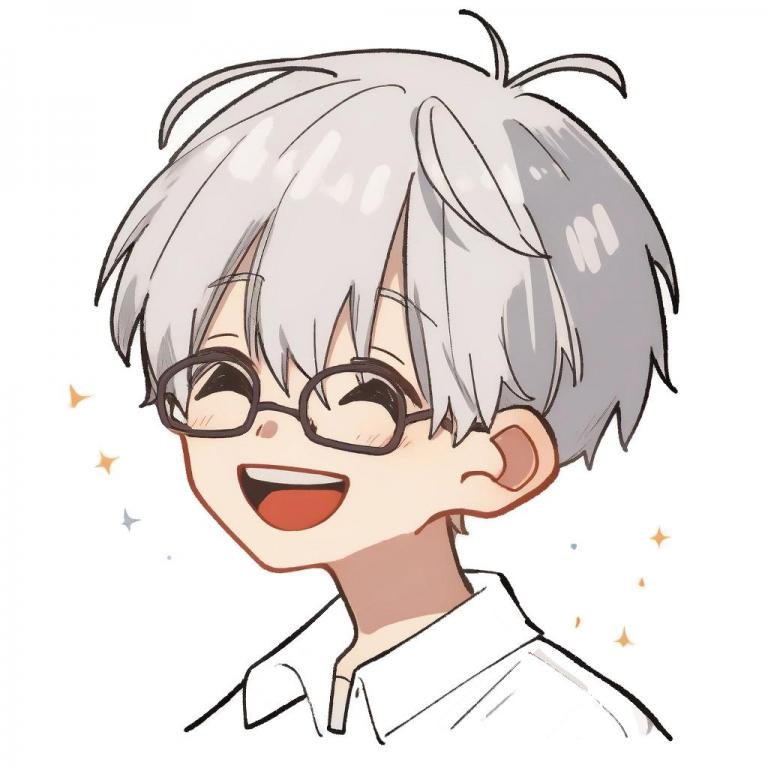
Prompt:
the character of a happy 10 year old boy with short grey hair in a white shirt, glasses, half body, white background, illustration for a children’s book, simple, cute, full-color, Gakuen anime style, profile picture --niji
A few details here are especially useful:
- Setting the character age to around 10 can make the avatar look cuter and more chibi-like.
- Adding
profile picturehelps steer the composition toward something better suited for an avatar. - If you want an anime or manga look,
--nijiis definitely worth trying. It’s the anime-focused model developed through the Midjourney and Waifu collaboration, and it works very well for this style. --niji 5is the newer anime model, and it’s also worth testing.
Borrowing a style you like
Midjourney’s /describe feature makes it possible to work backward from an image. Upload a picture, and Midjourney returns four prompt variations describing it. From there, you can pick the one closest to the look you want and use it to generate a new avatar in a similar style.
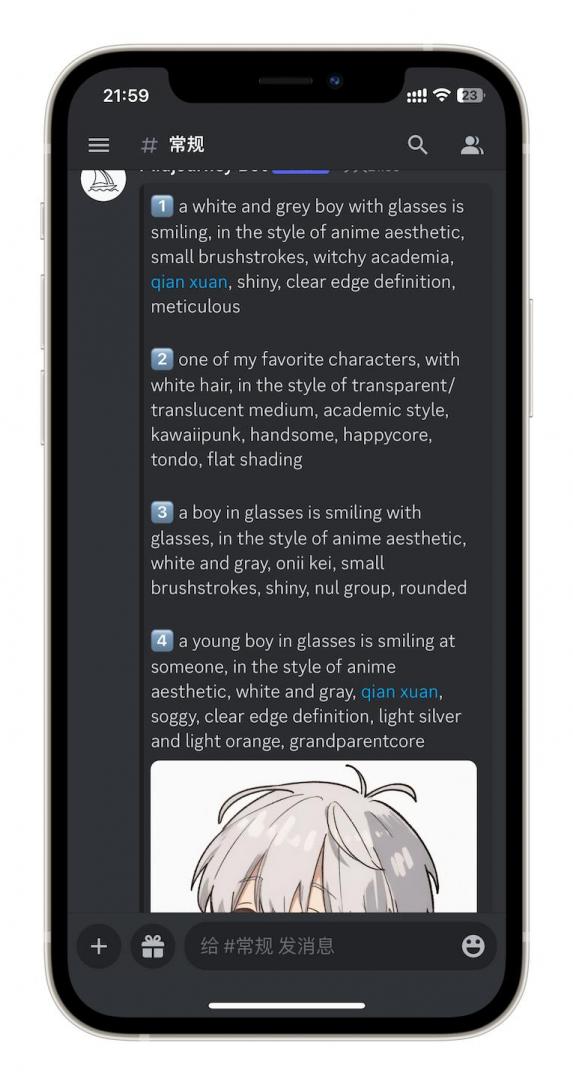
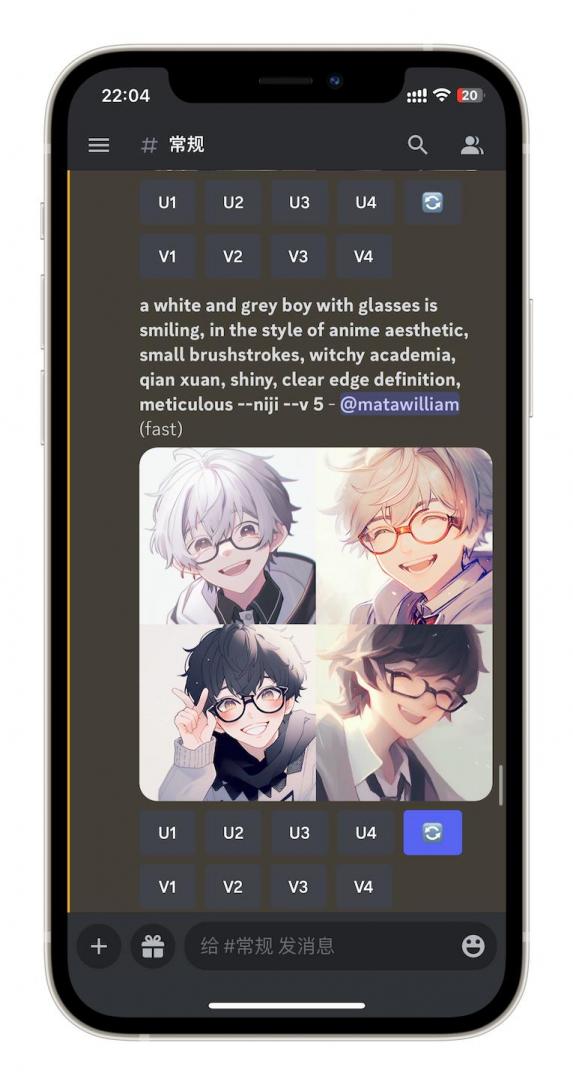
This is useful when you already have a visual style in mind but don’t know how to phrase it as a prompt.
One thing to keep in mind: the returned prompts may only capture part of what makes the original image appealing. The generated result might reflect only some of its features, so it usually helps to generate multiple versions and add a few extra words to refine the output.
If the style you’re imitating is anime-related, you can still append --niji.
And if you place your own photo URL before the prompt, you can combine both elements: the content of your photo plus the style you prefer.
More examples
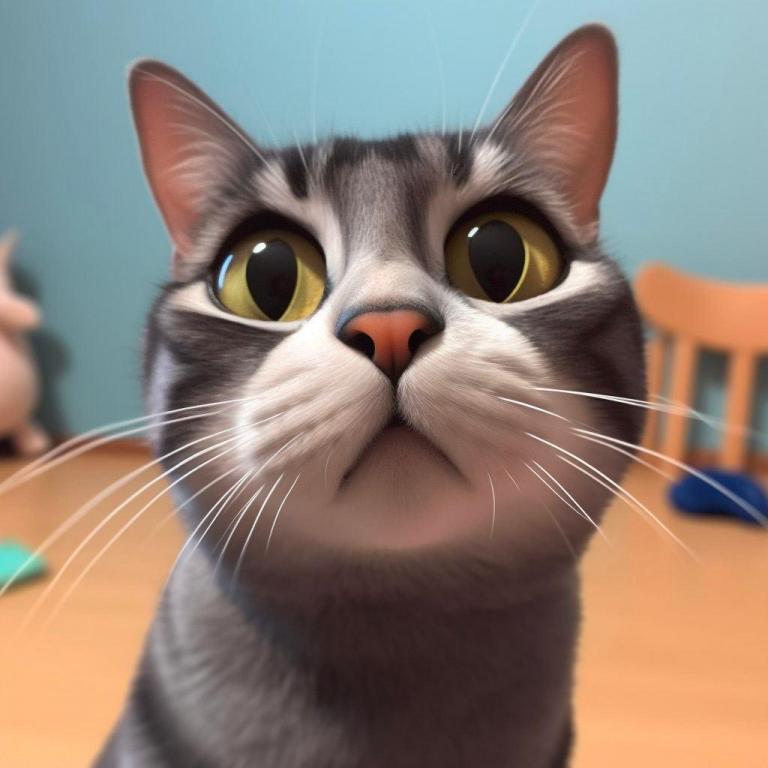
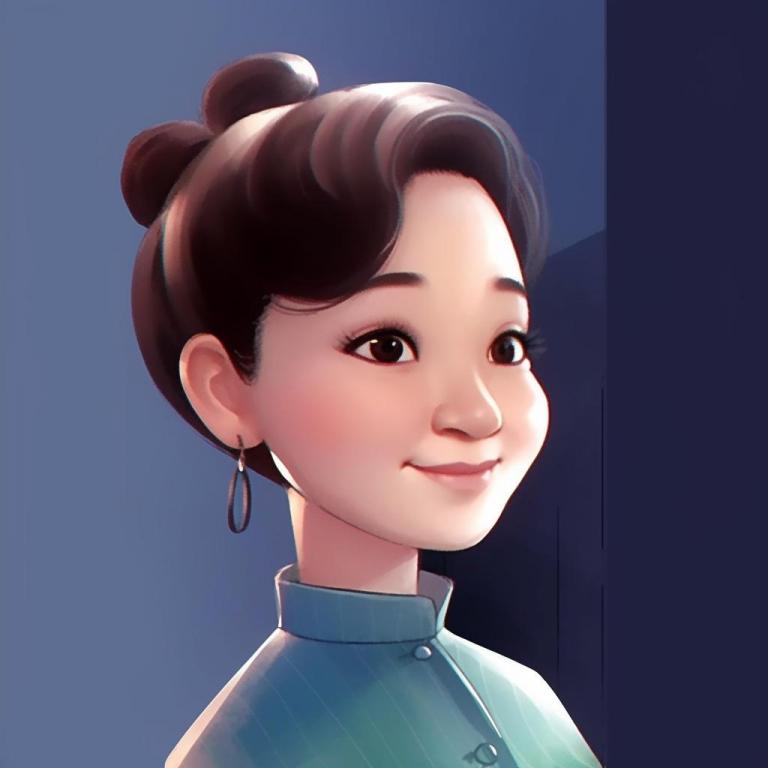
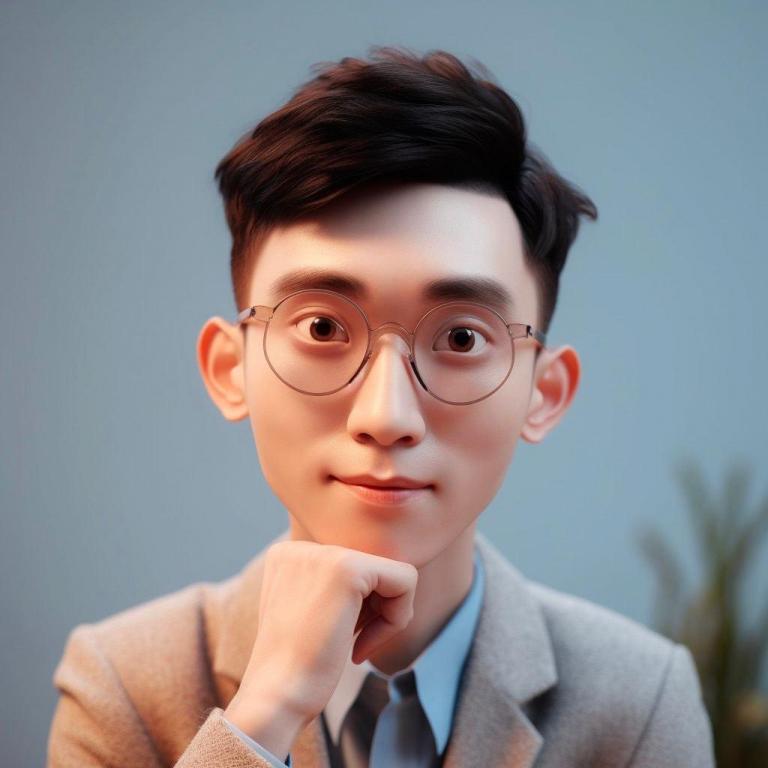
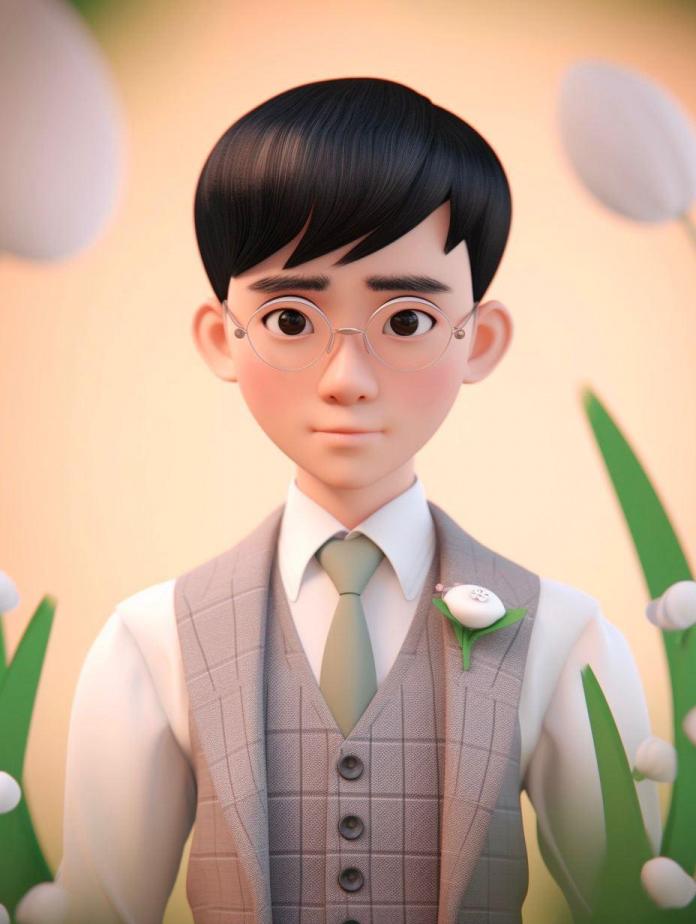
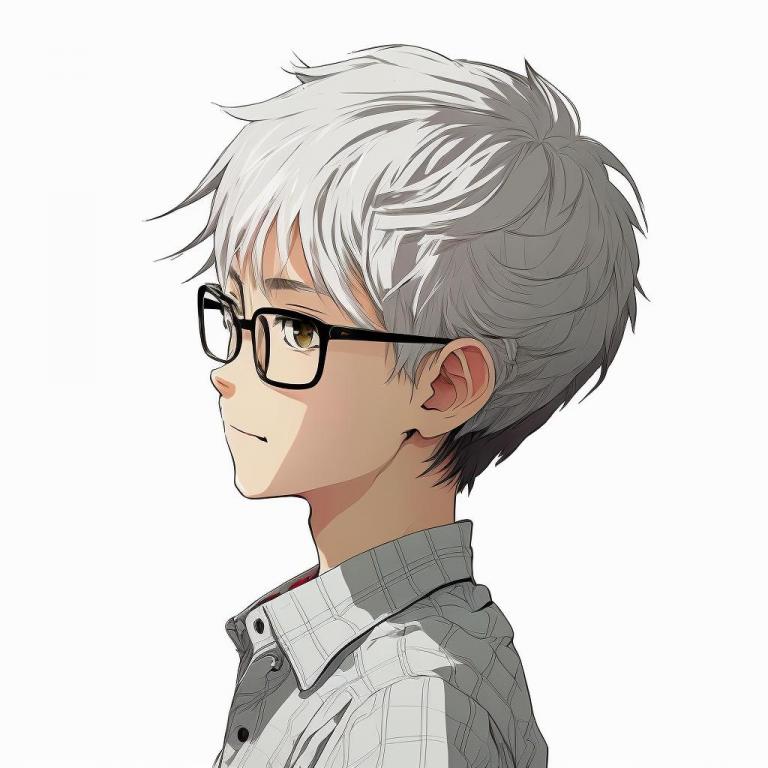
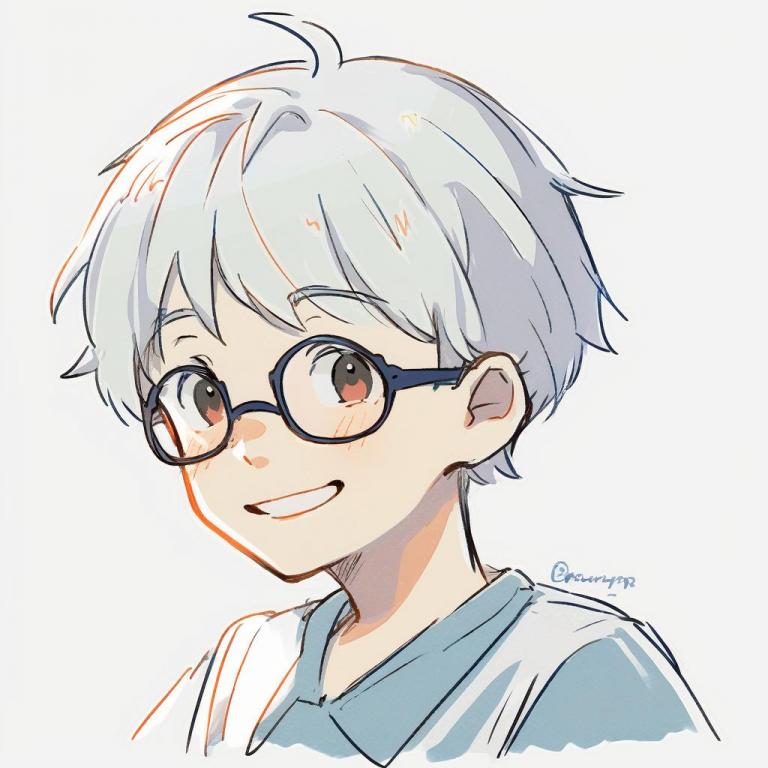
The first three are Pixar-style avatars, the fourth uses a Pop Mart-inspired look, and the fifth and sixth are anime-style avatars.
If you’ve spent too long cycling through random profile pictures that don’t really represent you, Midjourney is a much better alternative. Even with a simple prompt, it can produce something far more personal—and with a little tweaking, the result can feel surprisingly close to the avatar you actually wanted all along.